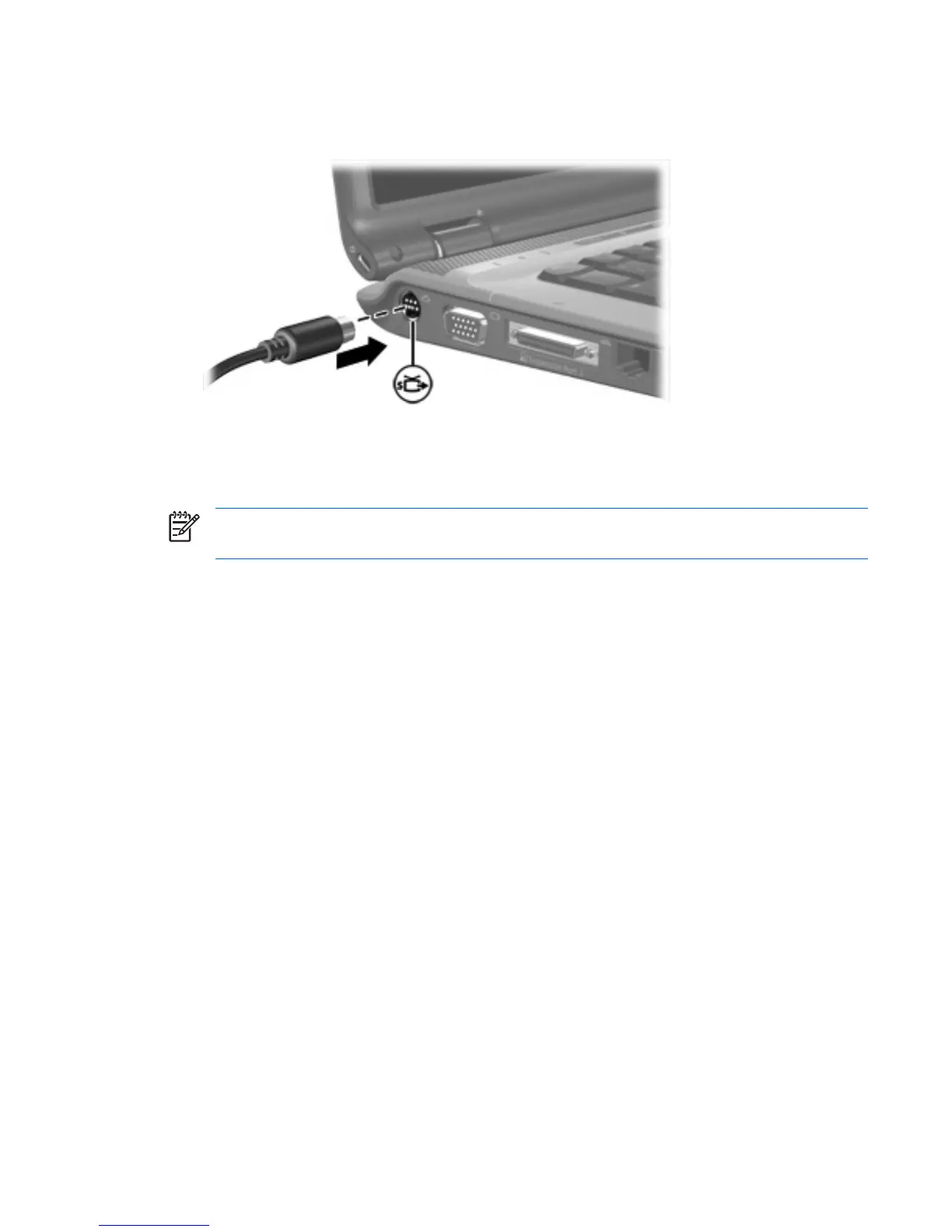
To connect a video device to the S-Video-out jack:
1. Plug one end of the S-Video cable into the S-Video-out jack on the computer.
2. Connect the other end of the cable to the video device, according to the device manufacturer's
instructions.
3. Press fn+f4 to switch the image between the display devices connected to the computer.
NOTE If your computer is connected to an expansion product, and the S-Video-out jack is
inaccessible, connect the S-Video cable to the S-Video-out jack on the expansion product.
ENWW Using the video features 9











 To Next Page