Using the integrated camera (select models only)
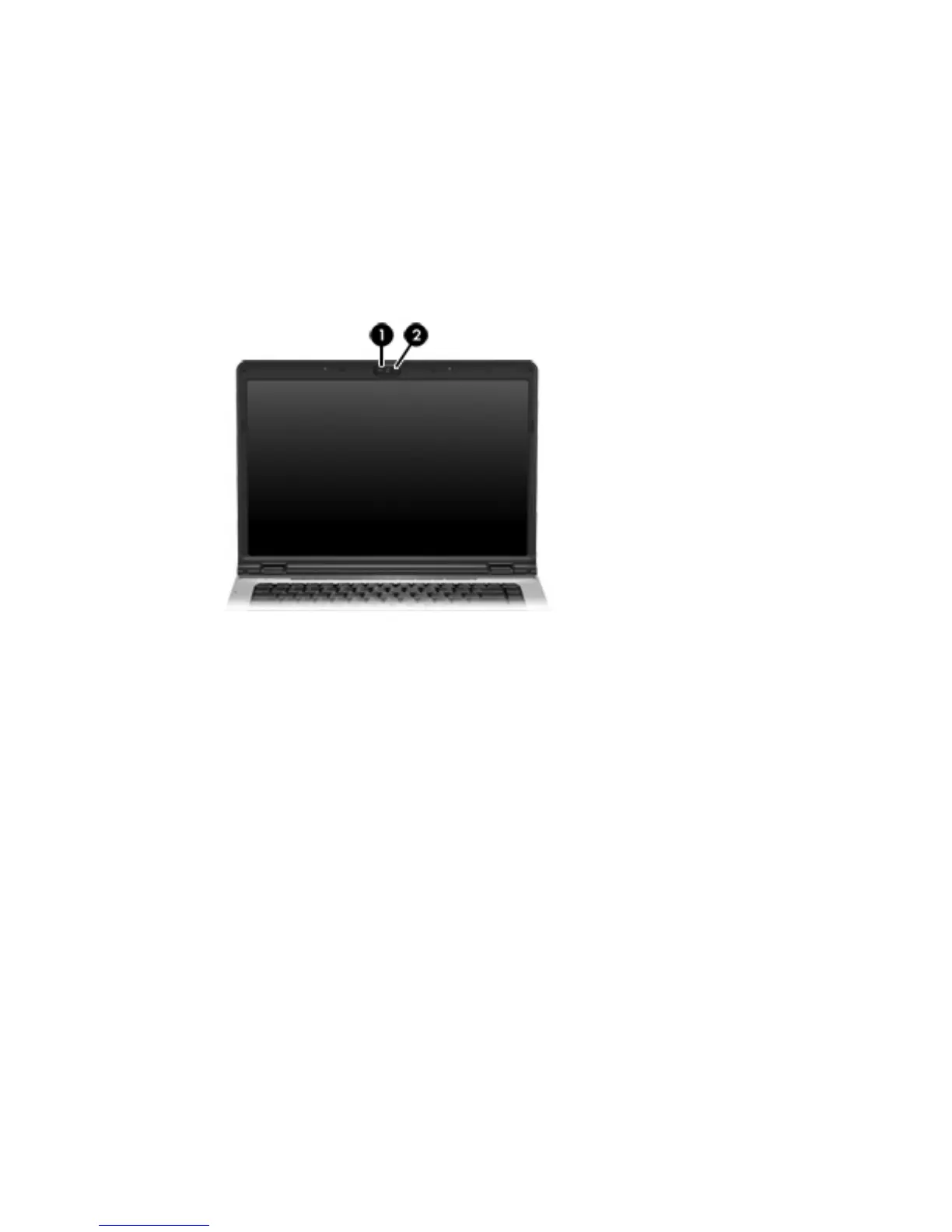
Select computer models include an integrated camera, located on the top of the display. This camera
can be used with a variety of software to
●
Capture video.
●
Stream video with instant message software.
●
Take still photos.
The camera light (1) is turned on when the camera (2) is being accessed by a program.
10 Chapter 1 Multimedia hardware ENWW











 To Next Page