1 Multimedia hardware
Using the audio features
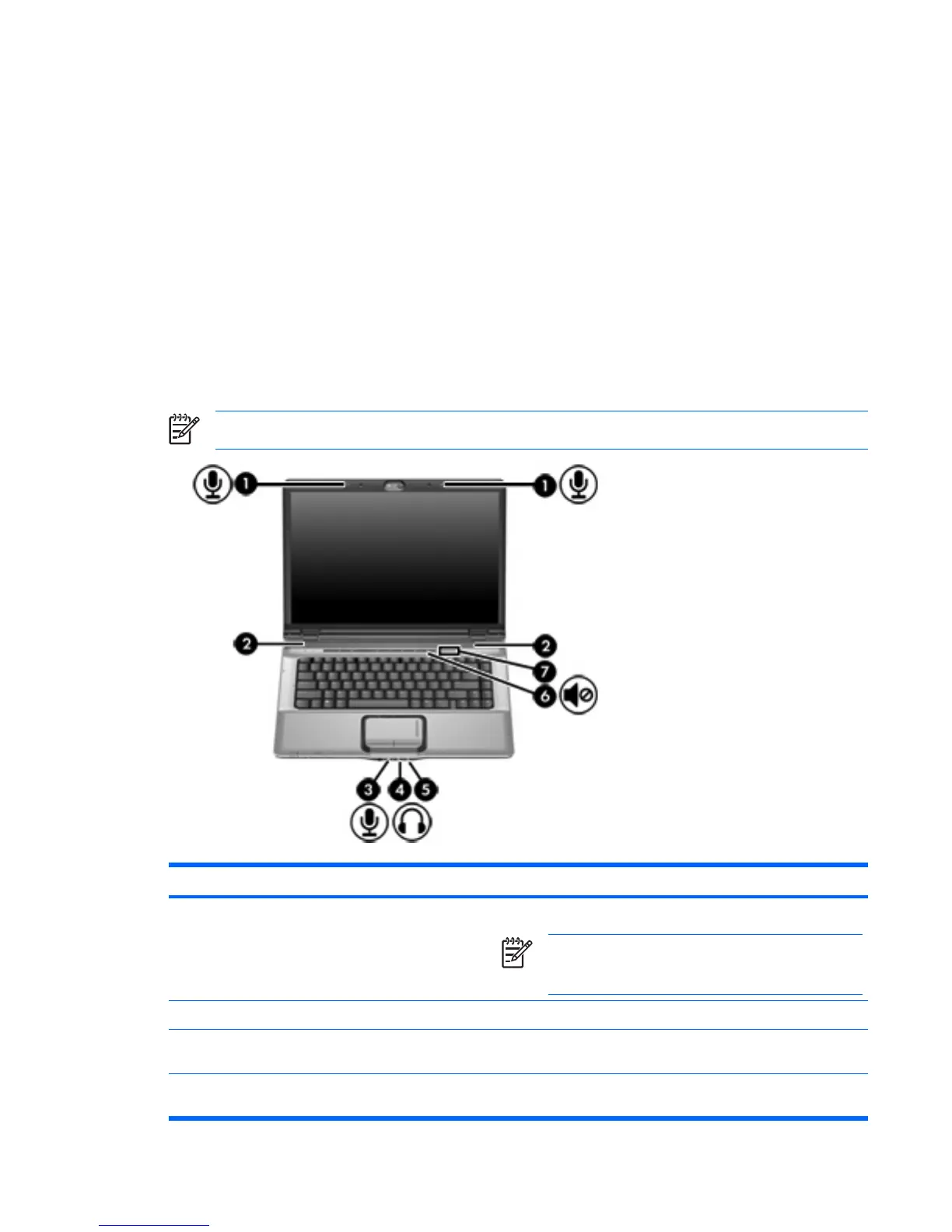
The following illustration and table describe the audio features of the computer.
NOTE Your computer may look slightly different from the illustration in this section.
Component Description
(1) Internal microphones (2) (select models only) Record sound.
NOTE A microphone icon next to each microphone
opening indicates that the computer has internal
microphones.
(2) Speakers (2) Produce sound.
(3) Audio-in (microphone) jack Connects an optional computer headset microphone, stereo array
microphone, or monaural microphone.
(4) Audio-out (headphone) jack Connects optional powered stereo speakers, headphones, ear
buds, a headset, or television audio.
ENWW Using the audio features 1











 To Next Page