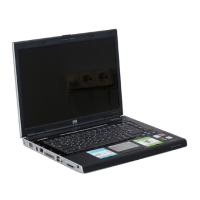
Keys
Component Description
(1) esc key Displays system information when pressed in combination with
the fn key.
(2) fn key Executes frequently used system functions when pressed in
combination with an arrow key, the num lk key, or the esc key.
(3) Windows logo key Displays the Windows Start menu.
(4) Windows applications key Displays a shortcut menu for items beneath the cursor.
(5) Embedded numeric keypad keys When the keypad has been enabled, the keys can be used like
the keys on an external numeric keypad.
(6) Action keys Execute frequently used system functions.
(7) num lk key Enables/disables the embedded numeric keypad when
pressed in combination with the fn key.
4 Chapter 2 Features
Downloaded from LpManual.com Manuals


 To Next Page
 Loading...