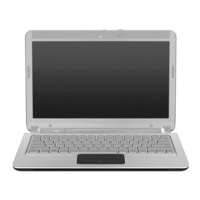
Front components
Component Description
(1) Speakers (2) Produce sound.
(2) Battery light On: A battery is charging.
Blinking: A battery that is the only available power source has reached a
low battery level. When the battery reaches a critical battery level, the
battery light begins blinking rapidly.
Off: If the computer is plugged into an external power source, the light is
turned off when all batteries in the computer are fully charged. If the
computer is not plugged into an external power source, the light stays off
until the battery reaches a low battery level.
(3) Drive light White: The hard drive is being accessed.
Blinking: The hard drive or an optional external optical drive is being
accessed.
Amber: HP ProtectSmart Hard Drive Protection has temporarily parked the
hard drive.
Right-side components
Component Description
(1) Power light
●
On: The computer is on.
●
Blinking: The computer is in the Sleep state.
●
Off: The computer is off or in Hibernation.
(2) Power switch
●
When the computer is off, slide the switch to turn on the computer.
●
When the computer is on, slide the switch briefly to initiate Sleep.
Components 5
Downloaded from LpManual.com Manuals


 To Next Page
 Loading...