14 HP Premium Autofocus Notebook Webcam User’s Guide
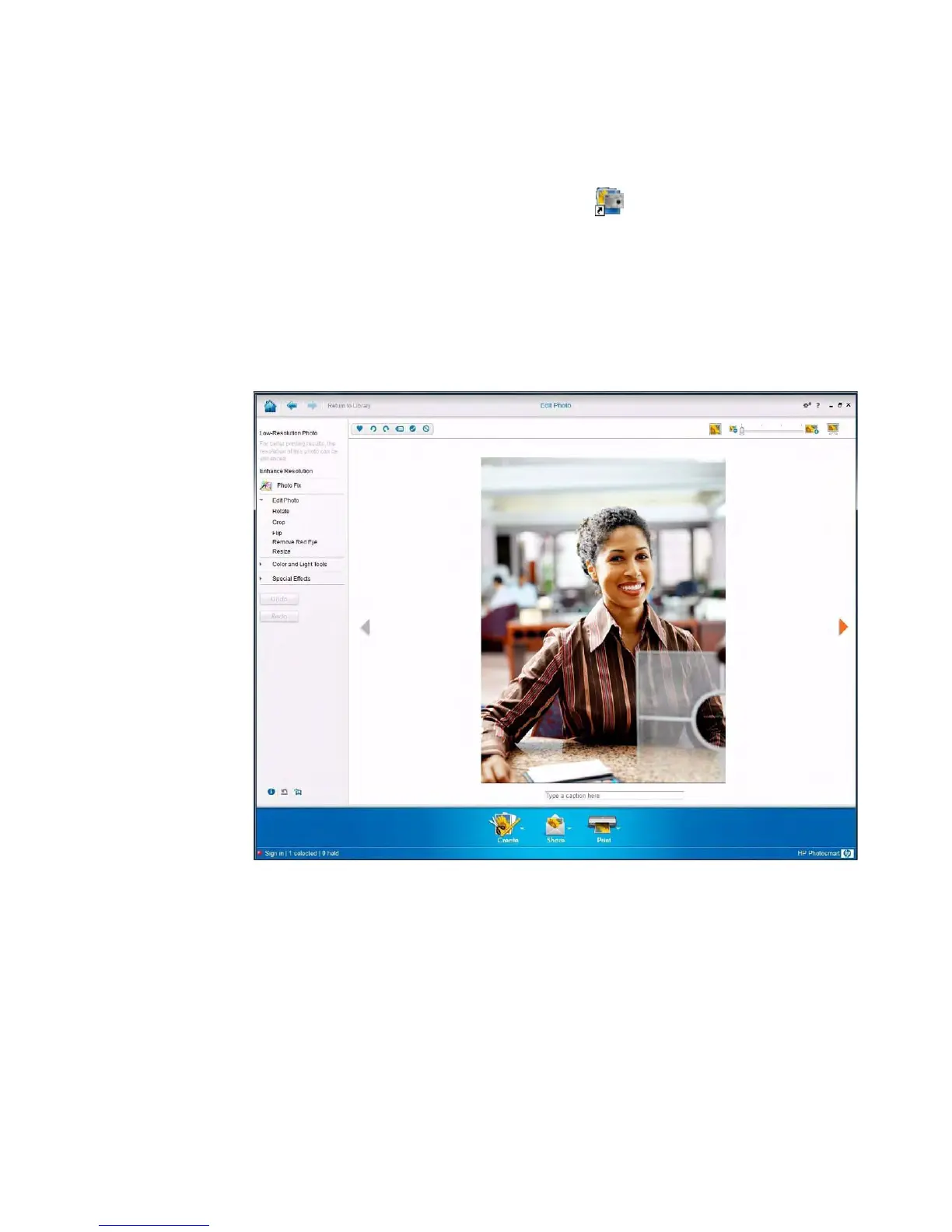
Editing a Picture
1 Double-click the HP Photosmart Essential icon on the Windows desktop.
2 Click View Library.
3 Right-click the picture you want to edit, and select Edit from the pop-up menu.
4 Select an editing option from the Photo Fix menu on the left side of the screen.
To learn more about editing, printing, and sharing pictures with HP Photosmart Essential,
click the Help ? icon in the upper-right corner of the Photosmart Essential window.



 To Next Page