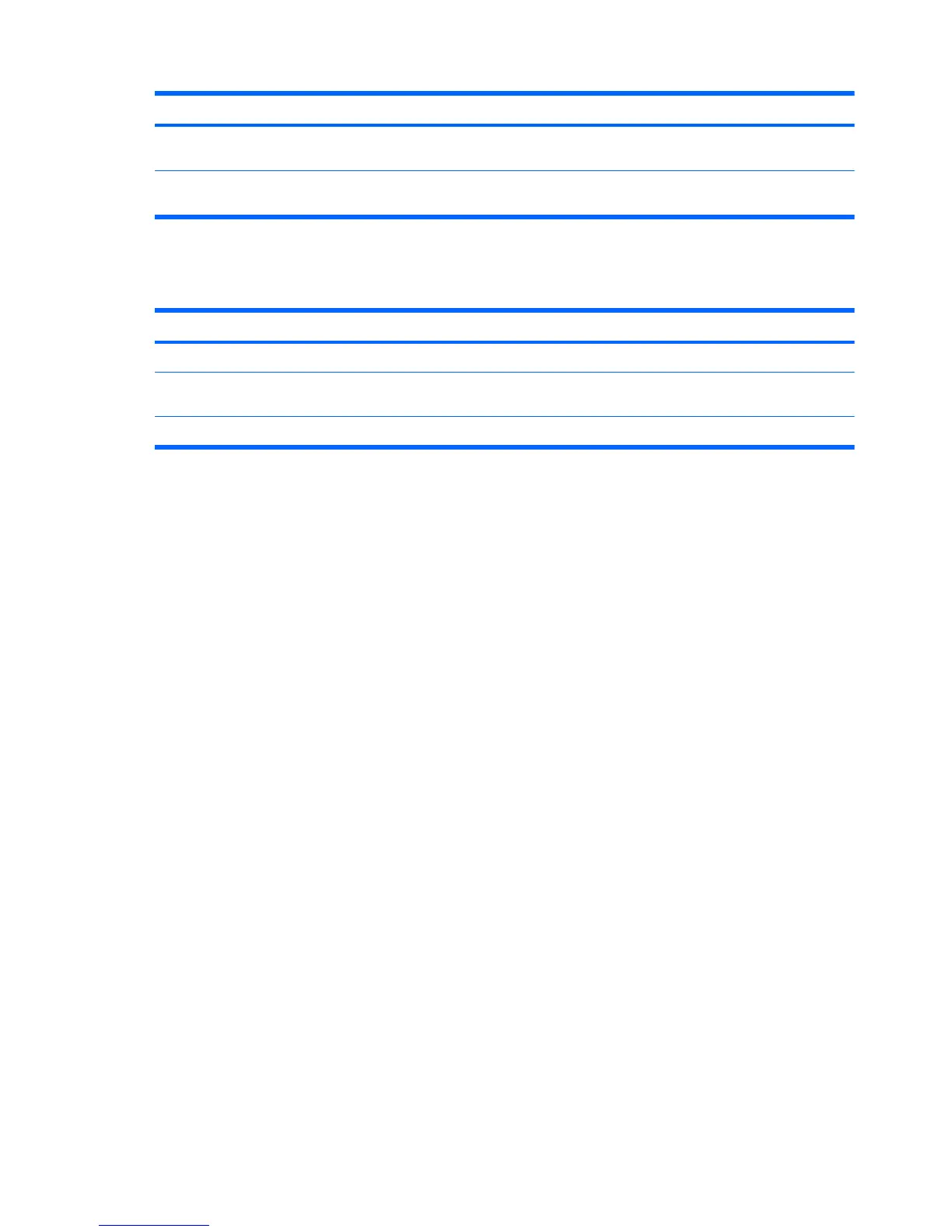
Option Description
Current CPU Fan
Speed
(view only)
Current System Fan
Speed
(view only)
Computer Setup—Exit
Table 3-7 Computer Setup—Exit
Option Description
Save Changes and Exit Allows you to save current settings and exit Computer Setup.
Discard Changes and
Exit
Allows you to exit Computer Setup without saving changes.
Load Optimal Defaults Allows you to reset Computer Setup to factory defaults.
Table 3-6 Computer Setup—PC Health (continued)
14 Chapter 3 Computer Setup (F10) Utility







 To Next Page