Hardware Options Installation 51
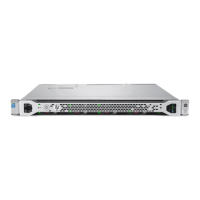
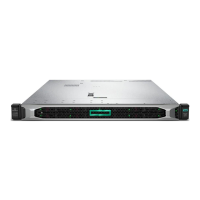
NOTE: Depending on the model purchased, the server or hard drive
may look slightly different than the illustration.
4. Determine the status of the hard drive from the hot-plug hard drive LEDs
("Hot-Plug SCSI Hard Drive LED Combinations" on page 20
, "Hot-Plug
SCSI Hard Drive LEDs" on page 19
).
5. Resume normal server operations.
Optical Device Option
1. Push the optical device ejector button and eject the optical device or blank.



 To Next Page
 Loading...