EasyManua.ls Logo

HP Smart Array B140i User Manual

HP Smart Array B140i
34 pages
To Next Page IconTo Next Page
To Previous Page IconTo Previous Page
Page #29 background image
Warranty and regulatory information 29
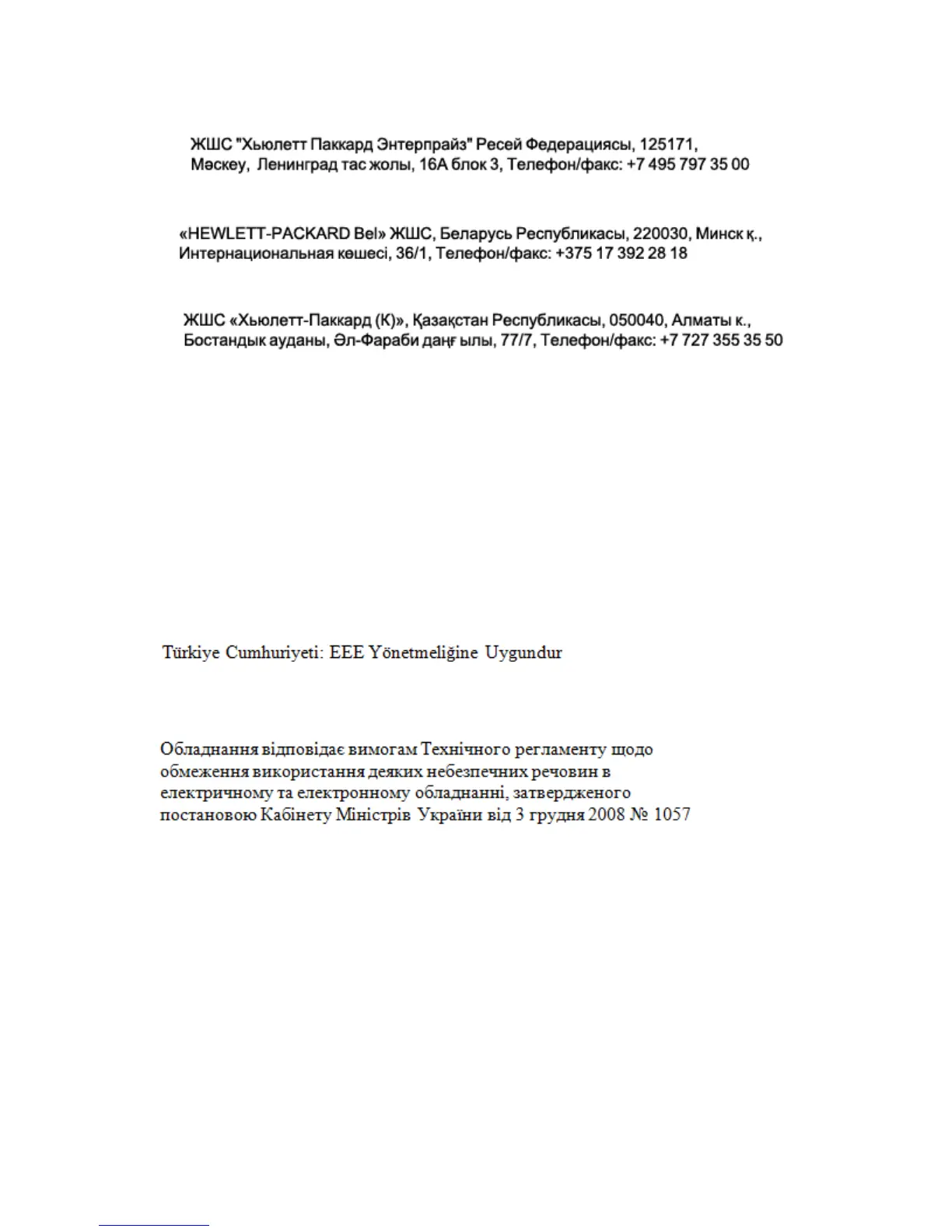
Local representative information Kazakh:
Russia:
Belarus:
Kazakhstan:
Manufacturing date:
The manufacturing date is defined by the serial number.
CCSYWWZZZZ (serial number format for this product)
Valid date formats include:
YWW, where Y indicates the year counting from within each new decade, with 2000 as the starting
point; for example, 238: 2 for 2002 and 38 for the week of September 9. In addition, 2010 is indicated
by 0, 2011 by 1, 2012 by 2, 2013 by 3, and so forth.
YYWW, where YY indicates the year, using a base year of 2000; for example, 0238: 02 for 2002 and
38 for the week of September 9.
Turkey RoHS material content declaration
Ukraine RoHS material content declaration
Communications interference
Hewlett Packard Enterprise system compliance tests are conducted with Hewlett Packard Enterprise
supported peripheral devices and shielded cables, such as those received with the system. The system
meets interference requirements of all countries in which it is sold. These requirements provide
reasonable protection against interference with radio and television communications.
Installing and using the system in strict accordance with Hewlett Packard Enterprise instructions
minimizes the chances that the system might cause radio or television interference. However, Hewlett
Packard Enterprise does not guarantee that the system does not interfere with radio and television
reception.
Take these precautions:
Use only shielded cables.

Table of Contents

Question and Answer IconNeed help?

Do you have a question about the HP Smart Array B140i and is the answer not in the manual?

HP Smart Array B140i Specifications

General IconGeneral
Controller ModelHP Smart Array B140i
InterfaceSATA
Number of Ports6
Maximum Drives Supported6
RAID Levels0, 1, 10
CompatibilityHP ProLiant Gen8 Servers
Form FactorEmbedded

Summary

Overview

About the HPE Dynamic Smart Array B140i RAID controller

Provides a detailed description of the HPE Dynamic Smart Array B140i RAID controller's features and architecture.

Enabling and configuring the controller

Boot mode

Explains how to set the system's boot mode between UEFI and Legacy BIOS for controller compatibility.

Enabling the controller

Details the steps required to enable the HPE Dynamic Smart Array B140i controller in the system's BIOS/RBSU.

Configuring an array

Guides users on setting up storage arrays using RAID methods for optimal performance and fault tolerance.

Installing device drivers

Replacing, moving, or adding hard drives

Recognizing drive failure

Methods to identify a failed hard drive using LED indicators and system messages.

Recovering from compromised fault tolerance

Procedures to attempt data recovery and restore logical volumes when fault tolerance is compromised.

Replacing hard drives

Step-by-step instructions for safely replacing failed hard drives in various RAID configurations.

Data recovery (rebuild)

Details the automatic data recovery process (rebuild) after a drive replacement.

Abnormal termination of a rebuild

Diagnoses and provides solutions for scenarios where the drive rebuild process fails to complete successfully.

Adding drives

Instructions on how to add new hard drives to a system and create new arrays.

Software and configuration utilities

HPE Smart Storage Administrator

Introduction to HPE SSA, the primary tool for configuring and managing Smart Array controllers.

Intelligent Provisioning

Overview of Intelligent Provisioning, a tool for simplifying server deployment and OS installation.

Diagnostic tools

Lists and describes various diagnostic tools available for troubleshooting array problems.

Electrostatic discharge

Preventing electrostatic discharge

Precautions to take to prevent damage to the system from electrostatic discharge (ESD).

Warranty and regulatory information

Related product manuals