Chapter 10 Parameter Shenzhen Hpmont Technology Co., Ltd.
-80- HD09 Series User Manual V1.1
Function
Setting Range
Default
Unit
F18.08
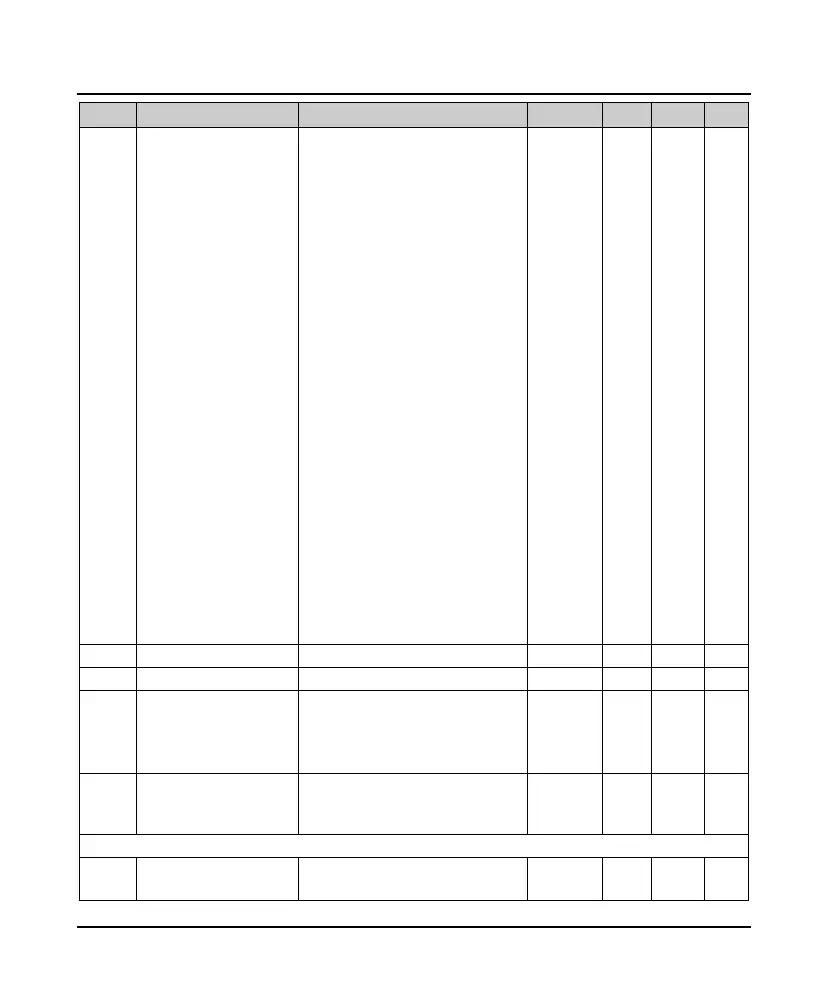
Stop display parameter 1
setting
8: Given frequency (after Dec. and Ace.)
9: Output frequency
10: Setting RPM
11: Running rpm
13: Output voltage
14: Output current
15: Torque given
16: Output torque
17: Output power
18: DC bus voltage
19: Keypad potentiometer input
voltage
20: AI input voltage
21: AI input voltage (after handling)
28: DI4 terminal pulse input frequency
29: AO output
32: Heat sink temperature
33: Given line speed
34: Given line speed
42: External value
43: Input terminals statues
44: Output terminals status
48: Total power time accumulates
(hours)
49: Total running time accumulates
(hours)
7 1
○
F18.14 Frequency display gain 0.1 - 160.0 1.0 0.1
○
F18.15 Max. line speed 0 - 65535 1000 1
○
F18.16
Line speed display
accuracy
0: Integer
1: A decimal
2: Two decimals
3: Three decimals
0 1
×
F18.17
LCD Backlighting screen
saver mode
0: Current mode
1: External signal input changed,
cancenl backlighting screen
0 1
○
F19: Enhancement Parameters
F19.07
Control selection of
cooling fan
0: Auto stop mode
1: Immediate stop mode
0 1
×


 To Next Page
 Loading...