HM-T300 User Manual
3.1 Control Panel
3.1.1 Button
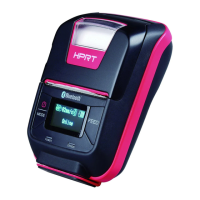
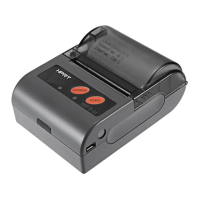
①Pressing and holding the MODE button for 2 seconds or more will turn the power on or off.
②Pressing and holding MODE & FEED buttons for 5 seconds will put the printer into Menu Setting
mode. The MODE button can now be used to change Printer MODE status visible on the LCD
screen for fast configuration.
(Refer to 2.4 Memory Switch Settings for details about mode conversion)
2) FEED Button :
①When the printer is on, paper can be fed manually by pressing and holding the FEED button for
more than one second.
②In Menu Setting mode,the FEED button can be used to move cursor(“_”) and confirm the new
setting.



 To Next Page
 Loading...