HM-T300 User Manual
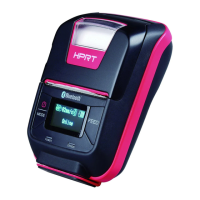
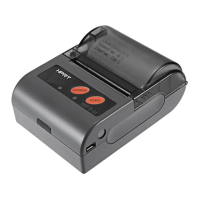
3.1.2 Panel Lamp
1) POWER (Green): Printer is ON and ready to receive data.
2) ERROR (Red): Indicates an error has occurred. (Eg: Paper Out, Cover Open, etc)
Power-on charging, Battery full
Power-off charging, Battery full
3.1.3 LCD Indication
LCD will display most of the printer status.
Content
Mode/Status: Indicates the currently specified printer mode or error status.
Remaining battery power:
There is sufficient remaining battery power.
The remaining battery power is low. Please charge the battery pack.
The remaining battery power is extremely low.
Stop using the printer immediately, and charge the battery pack.
Note: If you continue printing at the low remaining battery power status, the printer cannot
feed paper properly and may print with condensed (narrow) line spacing.
Bluetooth connection status:
The mark on the left indicates that there is no Bluetooth connection.
The mark on the left indicates that there is a Bluetooth connection.



 To Next Page
 Loading...