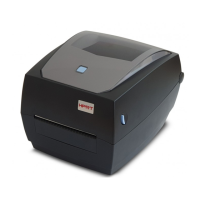
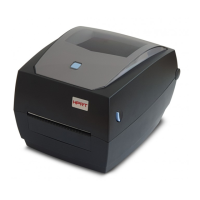
HM-T300 User Manual
8.1 Troubleshooting Guide
8.1.1 Power Supply Failure
The battery is not connected
Connect the specified battery
The battery is discharged
8.1.2 Printing Failure
The roll paper is loaded upside
down.
Install the roll paper properly.
Faulty Main Logic Board Unit.
Replace the Main Logic Board
Unit.
Faulty connection of the
thermal head connector.
Check connection of the
thermal head connector.
Connect the thermal head
cable to connector properly.
Replace the Mechanism Unit.
Faulty connection of the
thermal head connector.
Check connection of the
thermal head connector.
Connect the thermal head
cable to connector properly.
Printer cover one side close.
Close printer cover correctly.
Replace the Mechanism Unit.
Faint printout
or uneven
printout
Level of battery voltage is low.
Check the battery lamp
on the LCD.
Printer cover one side close
Close printer cover correctly
Replace the Mechanism Unit.
Foreign substance is adhered to
the thermal head.
Check whether any
foreign substance are
adhered to the thermal
head.
Dip a cotton swab or soft cloth
in ethyl alcohol and wipe the
foreign substance with them.
Non-recommended paper is
used.
Check whether the paper
being used meets the
specification.
Replace it with the specified
paper.
Faulty mounting of the platen.
Check mounting condition
of the platen.
Mount the platen properly.



 To Next Page
 Loading...