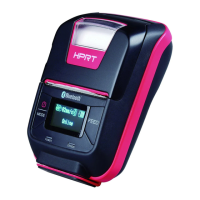
HM-T300 User Manual
2.4 Menu Settings
Change the Menu settings by following operations.
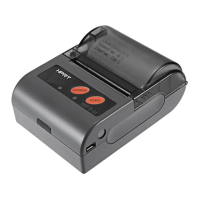
1. Press and hold the MODE button for approx. 2 seconds, and printer is turned on.
2. Press and hold both the MODE & FEED. Release the buttons after printer displays “Enter Menu Mode”,
then you can configure the settings.
3. To switch the Menu and option parameter , or return to the previous menu, press MODE button.
4. To move the cursor(“_”), entry the printer mode, or confirm the new setting, press FEED button.
CAUTION
Before changing the menu setting, make sure that the communication with a host device is disconnected.
When the printer is under the Bluetooth communication with a host device, it cannot enter the Menu
Settings mode.



 To Next Page
 Loading...