Gx Series
EN - 45
5. Press the GO/STOP key for few seconds or the
START key on the remote lead. During this whole
stage, do not disconnect the measuring leads of the
instrument from the system under test.
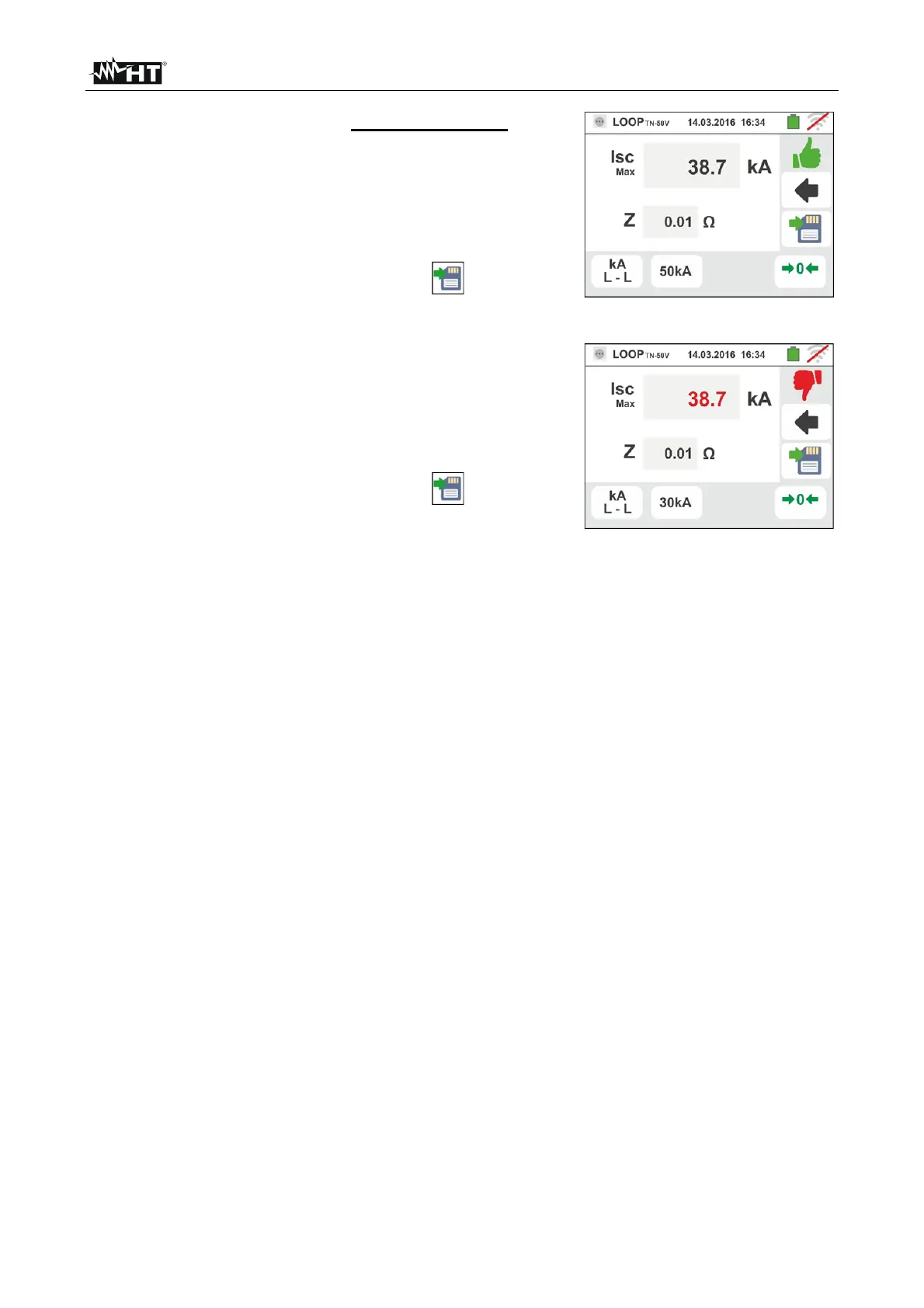
In case of positive outcome, the screen to the side is
shown by the instrument.
Press the SAVE button or touch the icon to save
the measurement (see § 7.1).
6. In case of test failure (measured Isc Max current > set
threshold), the screen to the side is displayed by the
instrument.
Note the presence of the measurement result
highlighted in red.
Press the SAVE button or touch the icon to save
the measurement (see § 7.1).



 To Next Page