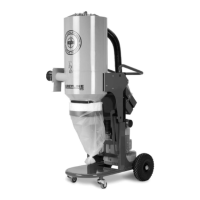
Service HTC 80 iD
40 1.1
9. Replace the hose that sits on the bottom edge of the HEPA filter holder and runs
down to the side duct fan on the HEPA filter holder.
6.3 Servicing the sock filter
The sock filter must be replaced annually; however, if the daily inspection of the sock
filter shows that the filter should be replaced, the following points must be done:
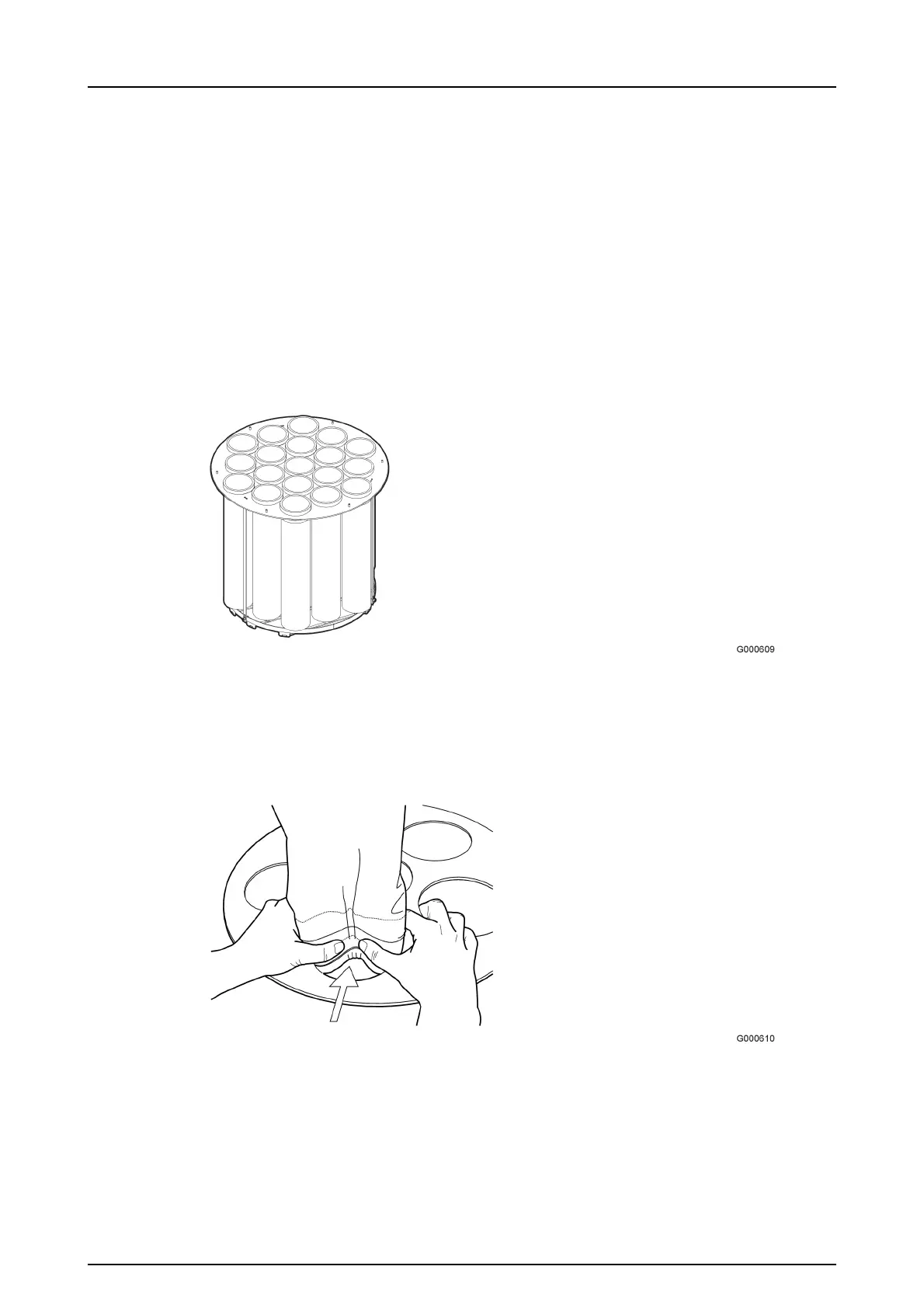
1. Loosen the three appropriate screw joints (pos B in Figure6-2, page40) on the
top of the sock filter cassette, so the top is released. The sock filters can now be
unhooked.
Figure 6-2. Sock filter cassette
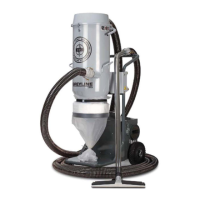
2. The filter is held in place by a quick fastener on the lower plate in the bottom of
the sock filter cassette. Press the filter's outer edge towards the middle of the
filter, see Figure6-3, page40.
Figure 6-3. Releasing the filter
3. Rock/twist loose the whole sock filter.


 To Next Page