Basics
Touch gestures
Use touch gestures to get around the Home screen, open apps, scroll through lists,
and more.
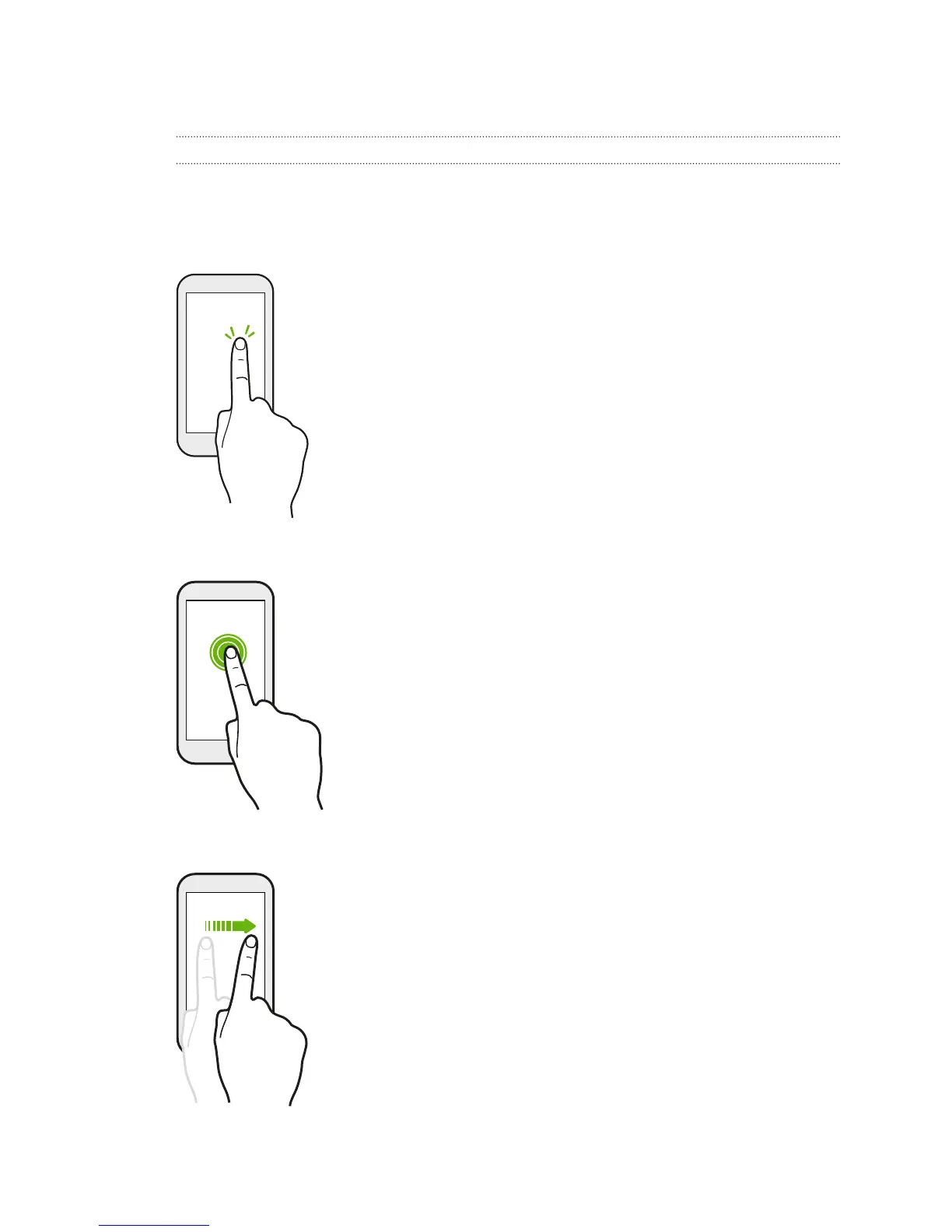
Tap
§ Tap the screen with your finger when you want to select
onscreen items such as application and settings icons, or
press onscreen buttons.
§ After you've scrolled down a long list or screen (in apps such
as Mail and People), tap the status bar to jump straight to
the top of your screen.
Press and hold
To open the available options for an item (for example, a
contact or link in a webpage), just press and hold the item.
Swipe or slide
Quickly swipe your finger vertically or horizontally across the
screen to go to other Home pages, scroll through documents,
and more.
22 Your first week with your new phone



 To Next Page