Back cover
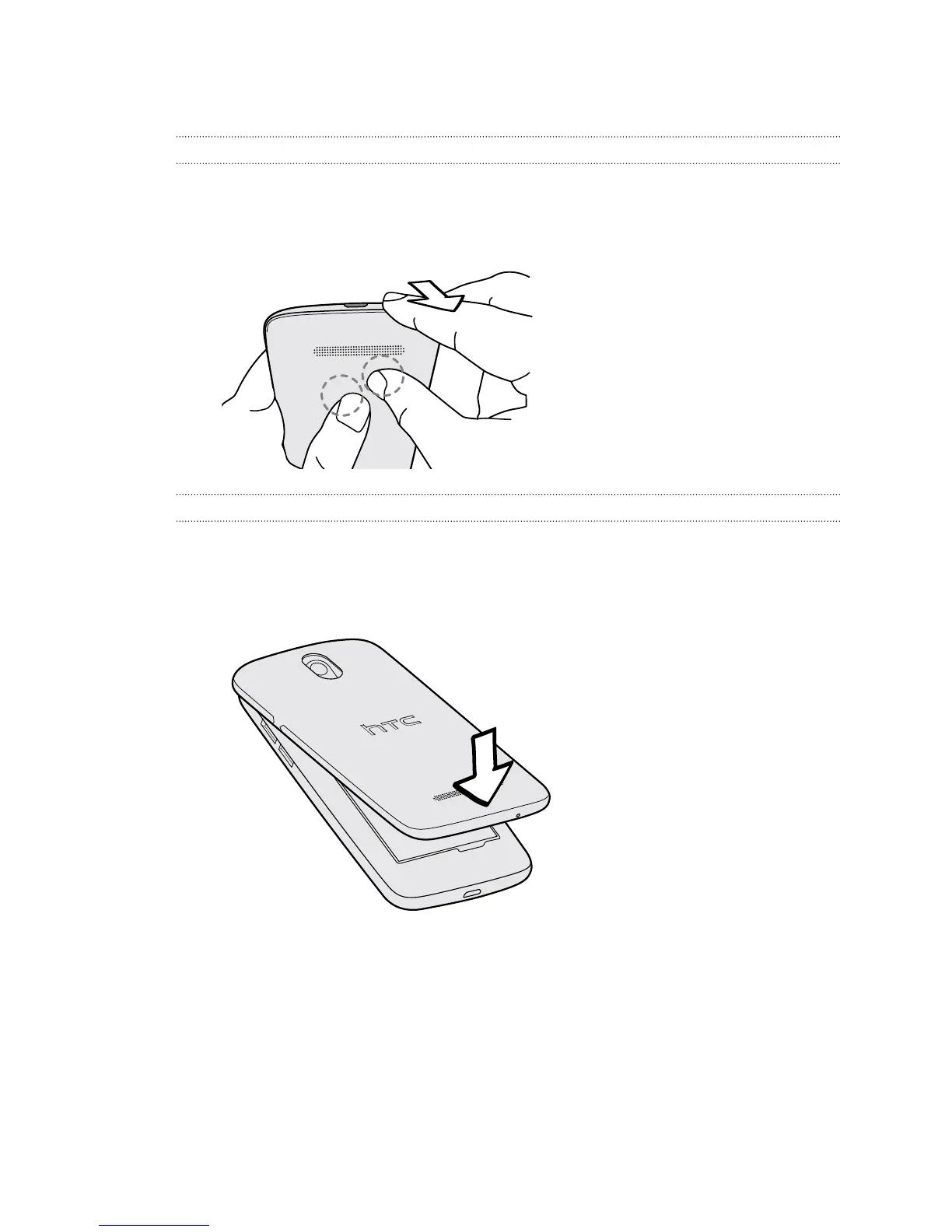
Removing the back cover
1. Securely hold HTC Desire 500 with the front facing down.
2. Press your thumb on the center of the back cover with one hand, and then lift
the cover open from the bottom right corner with your other hand.
Replacing the back cover
1. Align the back cover onto the top part of HTC Desire 500.
2. Press the sides and the bottom part of the back cover against HTC Desire 500
to lock the cover into place.
You will hear a click when the back cover is locked in place.
8 Unboxing



 To Next Page