Web browser 201
Copying text, looking up information, and sharing
You can select text and then:
Copy it.
Search it using Google Search.
Look it up on Wikipedia, YouTube, or Google Dictionary.
Get a translation of the text from Google Translate.
Share the text in a new email, text, or multimedia message or in
your status update on a social network.
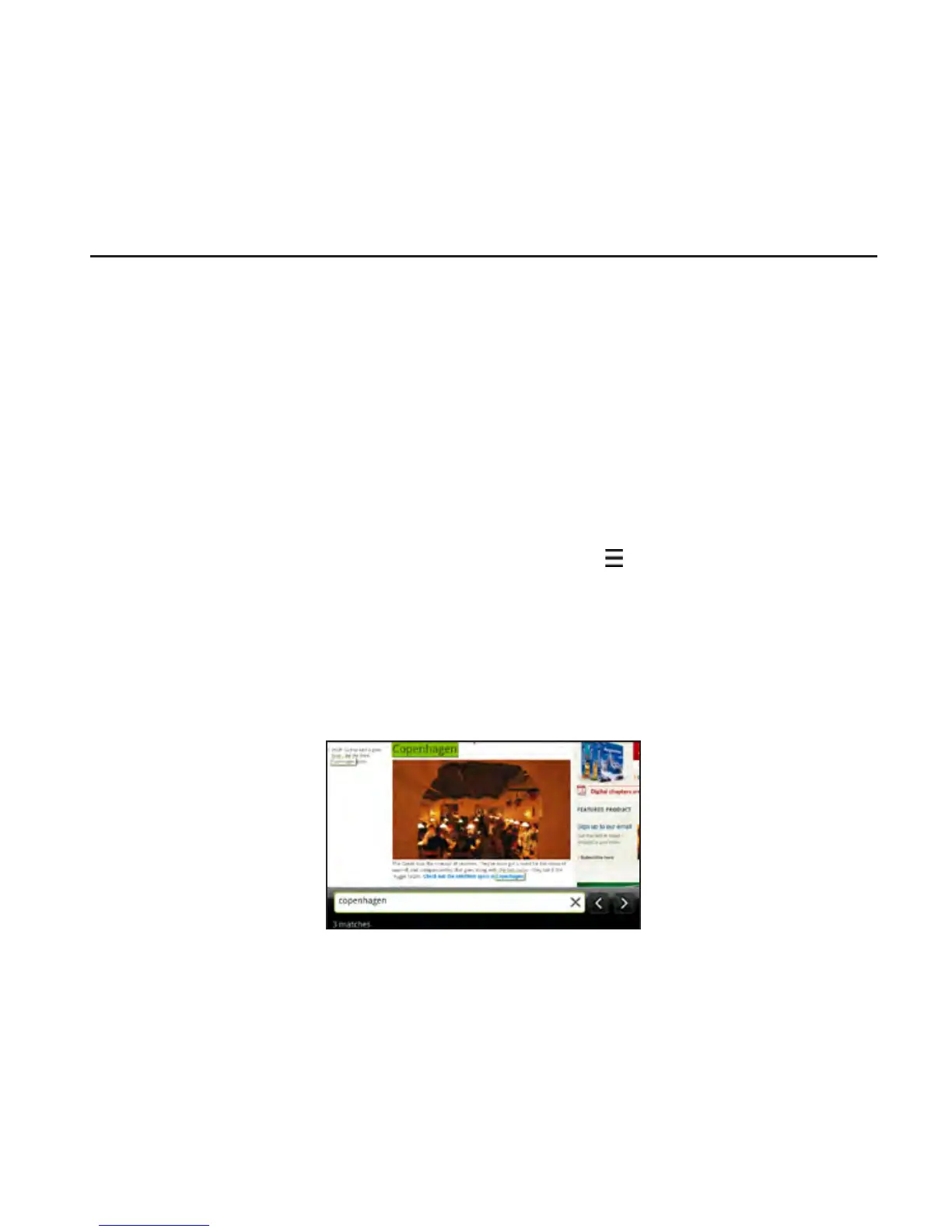
Finding text within a webpage
While viewing a webpage, press MENU and then tap More >
Find on page.
Enter what you want to search for.
As you enter characters, matching characters will be highlighted.
Tap the left or right arrow to go to the previous or next matching
item.
•
•
•
•
•
1.
2.












 To Next Page