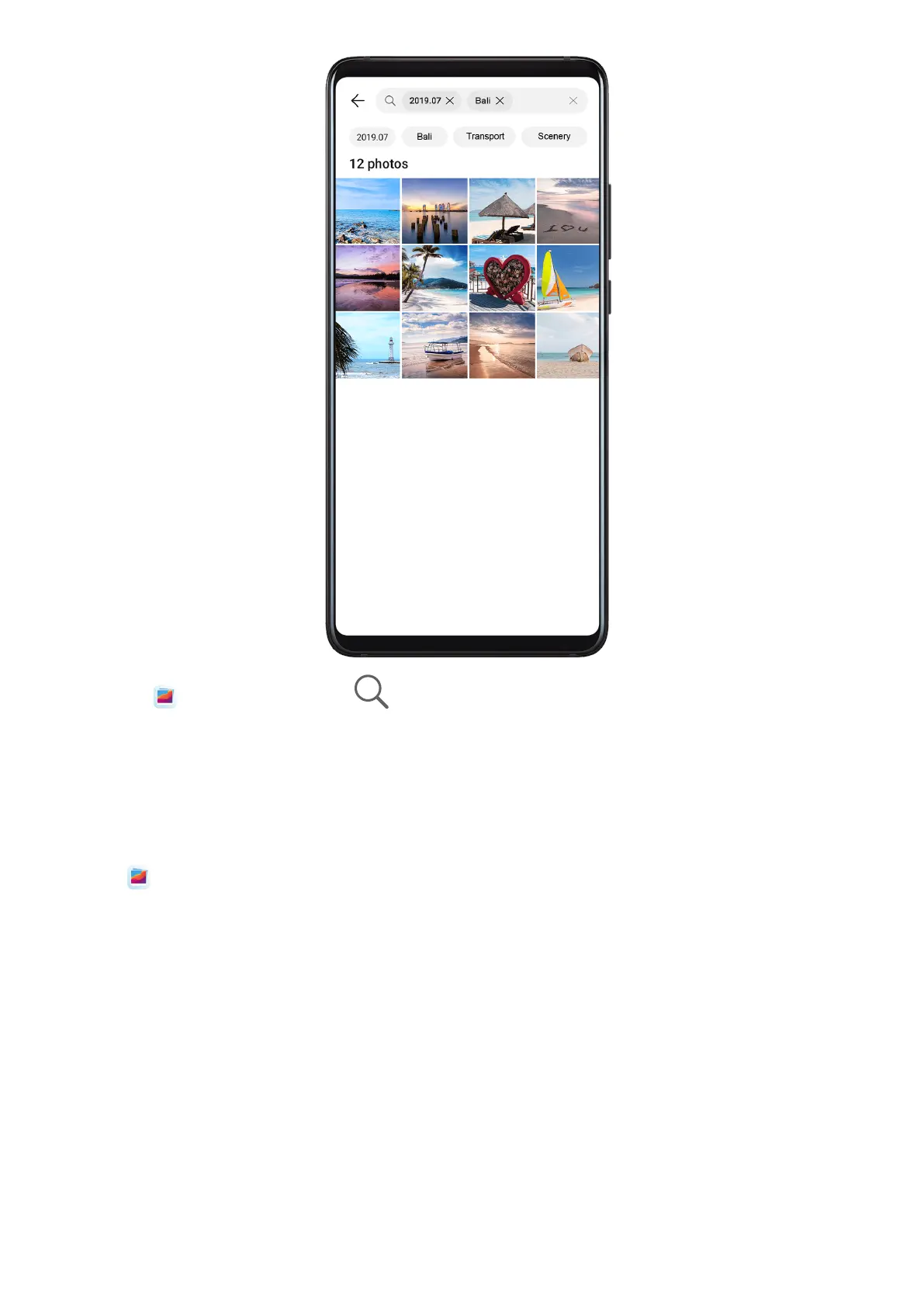
1 Open Gallery, then touch at the top of the screen.
2 Enter a keyword (such as "food", "scenery", or "ower").
3 Photos related to that keyword will be displayed. Touch a suggested keyword or enter
more keywords to nd more results.
Edit Photos and Videos
Open
Gallery, touch the thumbnail of the photo you want to edit, then touch Edit to
access the editing features.
Camera and Gallery
36










 To Next Page