Huawei AP4030DN
Hardware Installation and Maintenance Guide
Huawei Proprietary and Confidential
Copyright © Huawei Technologies Co., Ltd.
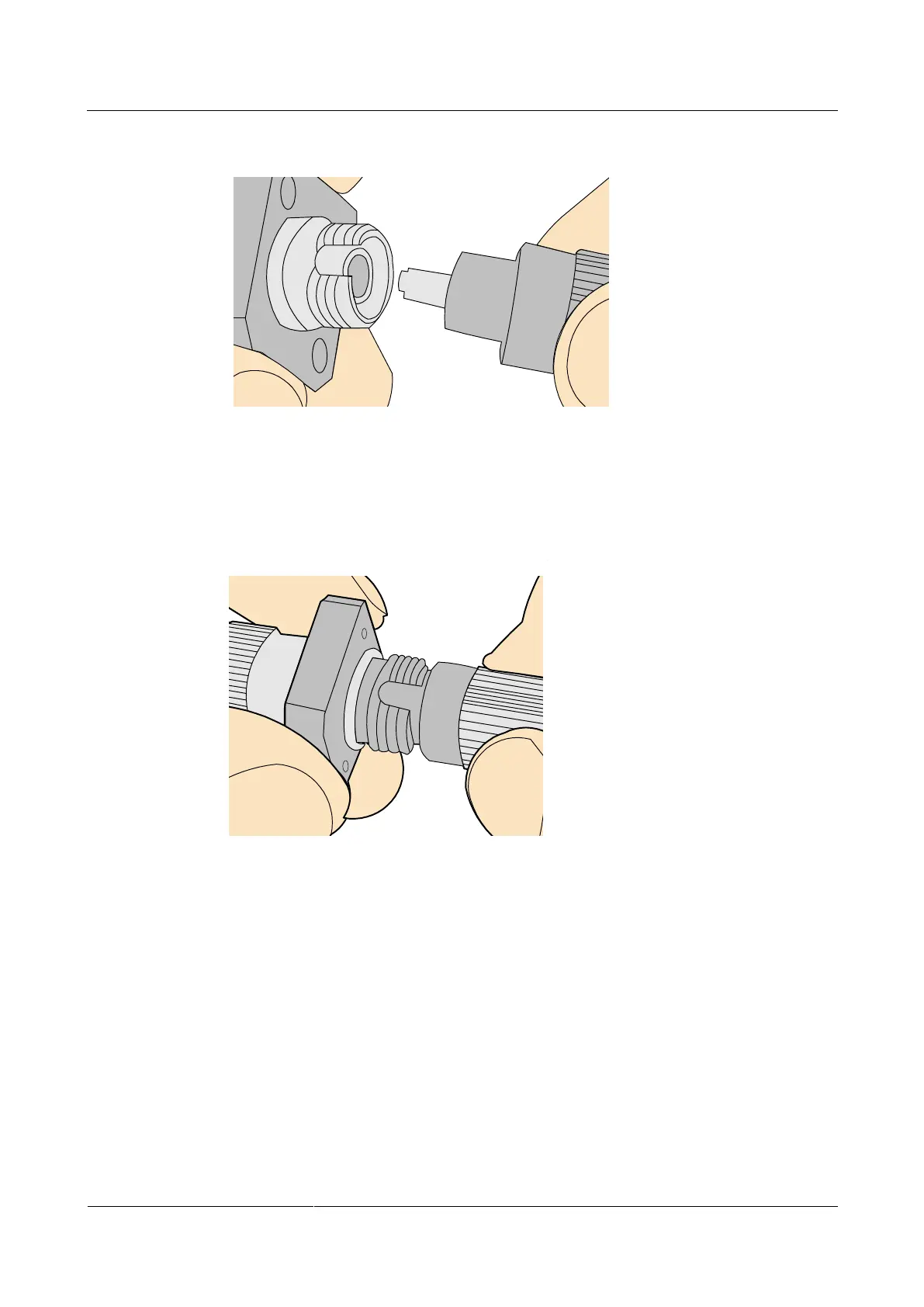
Figure 5-58 Aligning the male connector with the female connector
Step 3 Align the male connector with the female connector and gently push the male connector until
it is completely seated in the female connector, as shown in Figure 5-59.
Figure 5-59 Feeding the male connector into the female connector
Step 4 Fasten the locking nut in the clockwise direction and ensure that the connector is securely
installed, as shown in Figure 5-60.


 To Next Page
 Loading...