Huawei Proprietary and Confidential
Copyright © Huawei Technologies Co., Ltd.
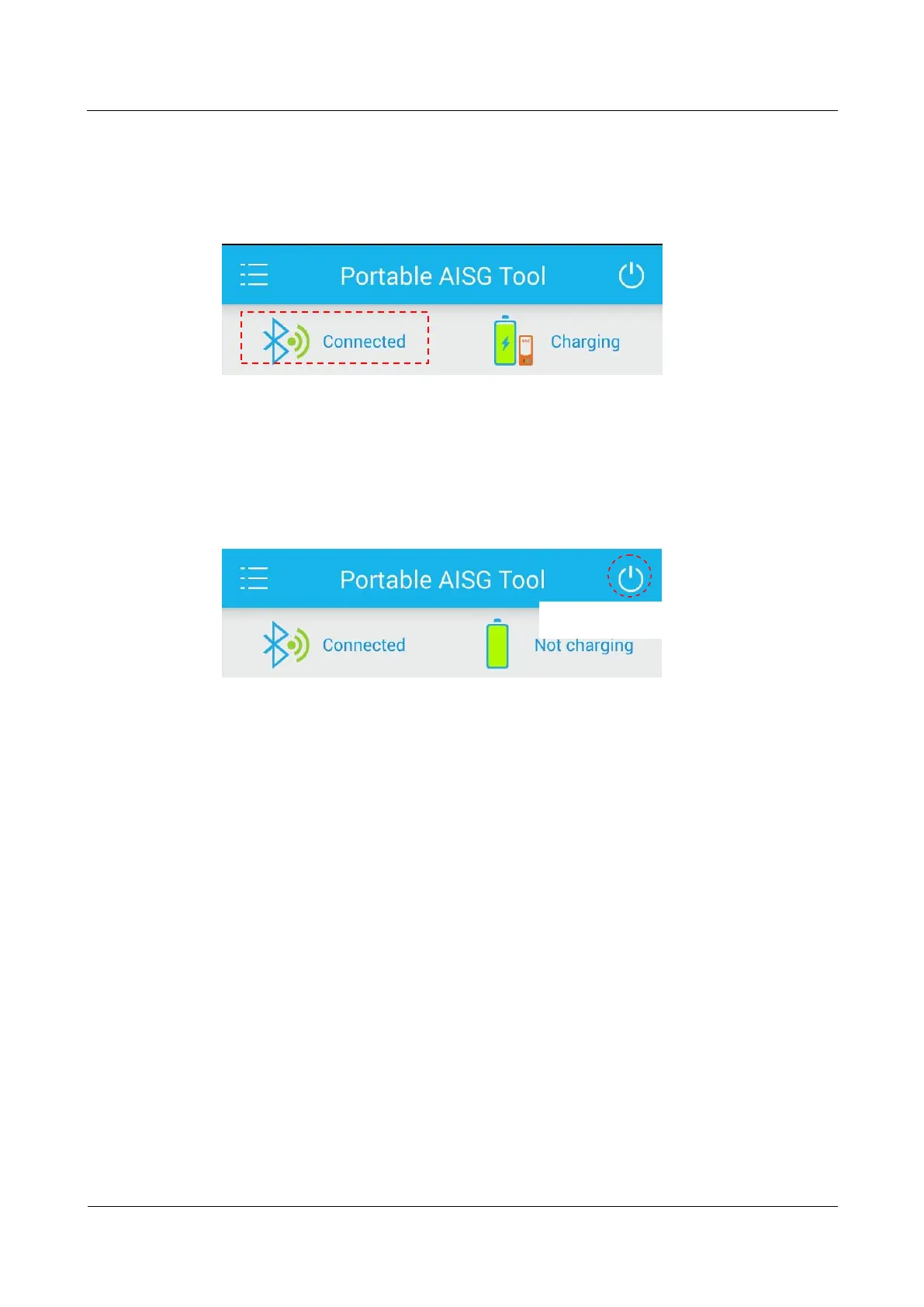
1234. After bluetooth pairing is successful, the communication indicator on the PAA blinks,
and the PAA app indicates that the PAA has been connected successfully, as shown in Figure
3-3.
Figure 3-3 PAA successfully connected
Step 4 Tap the power switch on the app to turn on the external power supply switch of the PAA, as
shown in Figure 3-4. If the power switch on the app turns white, the external power supply
switch of the PAA has been turned on. If the power switch on the app turns gray, the external
power supply switch of the PAA has been turned off.
Figure 3-4 Turning on the external power supply switch of the PAA
In actual application, the PAA app GUI may slightly vary with app versions. For details, see
the online help of the app.
Figure 3-5 Opening the online help of the PAA app
Power button to turn on
the external power
supply



 To Next Page