9
9
C
C
a
a
l
l
l
l
S
S
e
e
r
r
v
v
i
i
c
c
e
e
HUA WEI
22
Note:
You can press
to delete the number on the call interface digit by digit.
You can press and hold
to clear the whole number. You can also press the
backspace key to do this.
Selecting a Telephone Number in the Contact List
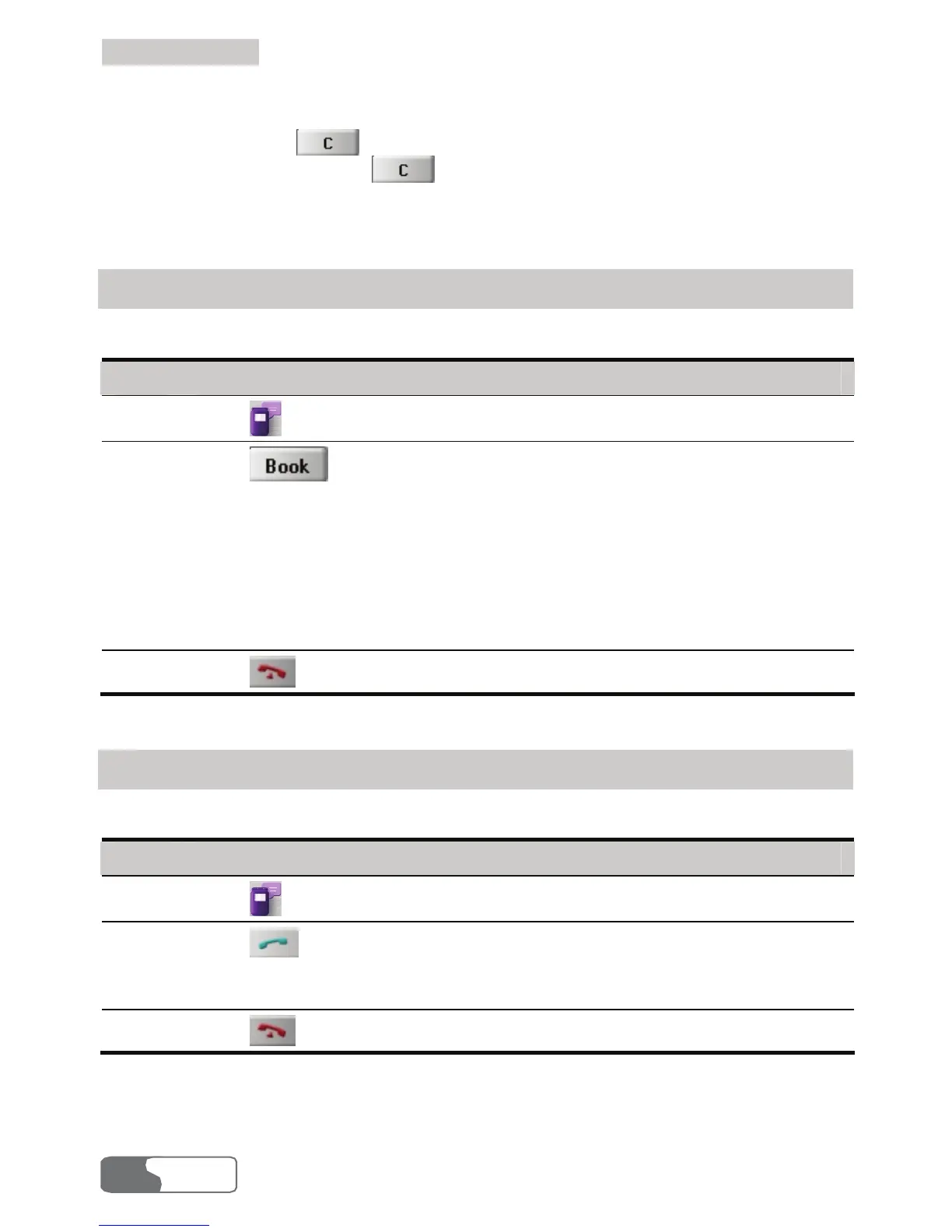
You can make a call by selecting a telephone number in the contact list.
Step Action
1
Click
or select Tools > Call to display the Call interface.
2
Click
, and the Contacts interface is displayed. Double-click a
contact or select a contact and then click Call.
y If only one number in the selected contact, the number is displayed on the
Call interface and dialed out.
y If two or more number(s) in the contact, double-click the selected number in
the pop-up Select Phone Number interface or click Call after selecting the
number. The selected number is displayed on the Call interface and dialed
out.
3
Click
to hang up.
Selecting a Recently Dialed Number
You may make a call by selecting a number from the recently dialed numbers.
Step Action
1
Click
or select Tools > Call to display the Call interface.
2
Click
to display a list of 10 recently dialed numbers. Double-click the
selected number or click Call after selecting the number. Then the number is
dialed out.
3
Click
to hang up.



 To Next Page