1
1
0
0
S
S
M
M
S
S
HUA WEI
34
Step Action
1 In the SMS Storage Manager interface, select the source position and the aim
position of importing.
2 Select an operation mode:
y Copy: The message at the source position is kept.
y Move: The message at the source position is deleted.
3 Select the message at the source position.
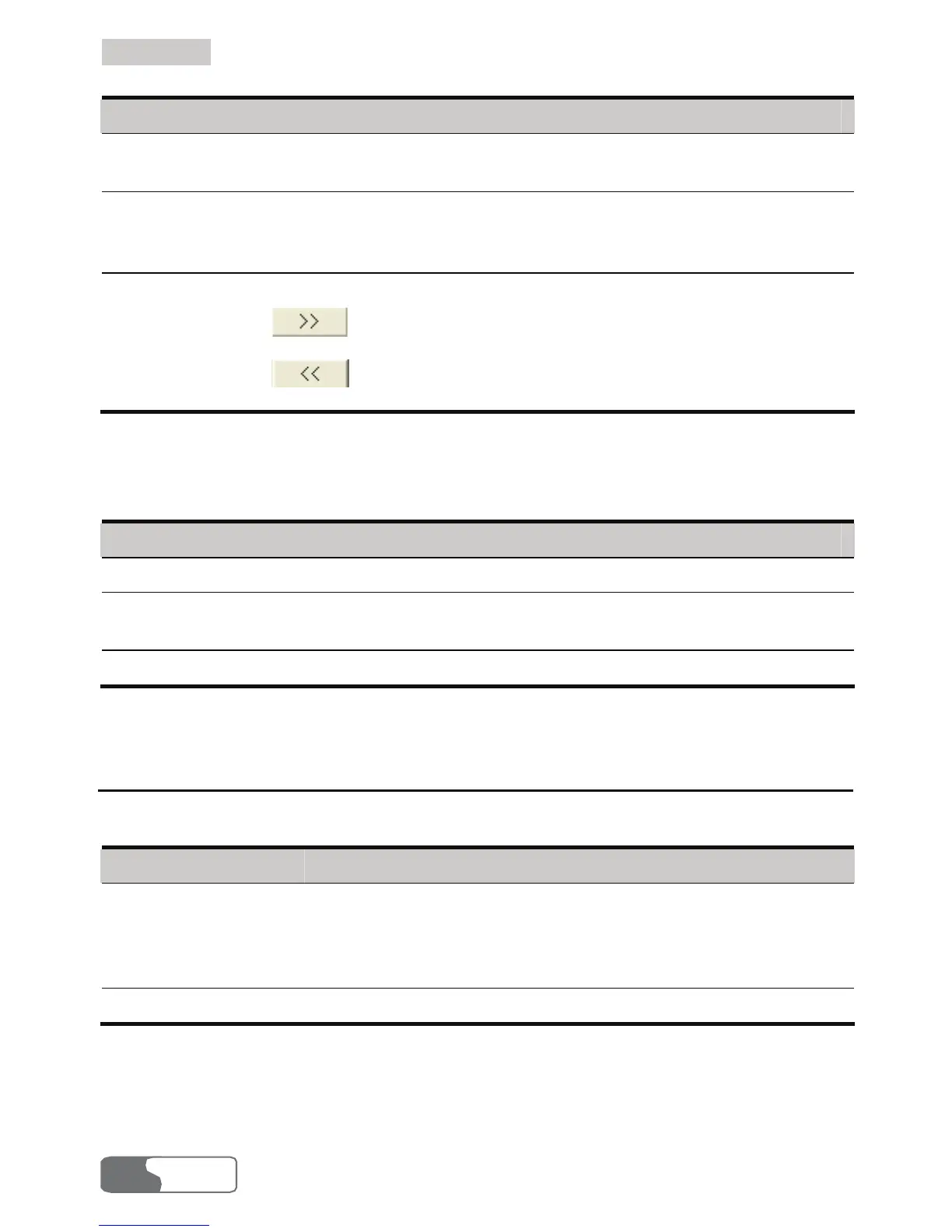
y Click
to import the message from the left of the arrow to the
right.
y Click
to import the message from the right of the arrow to the
left.
You can export the messages saved in the computer, UIM card and HUAWEI Mobile
Connect memory to a file.
Step Action
1 Select one or more message(s), and then right-click.
2 Select export to file. In the Save as… dialog box, enter a file name with .txt as
its extension.
3 Click Save, and the messages are exported to the file.
SMS Settings
Select Settings > SMS Settings to display the SMS settings interface.
Option Description
Reports You can enable or disable this function. If the function is
enabled, after you send a message, the network can send a
message to inform you that the receiver has got the message
you have sent.
Priority Select the priority level for sending a message.
Note:
If no storage space is available in your UIM card for the reports, the Request
status report option is invalid. For details, contact your UIM card provider.



 To Next Page