HUA WEI
5
3 Getting to Know Your EC325 Data
Modem
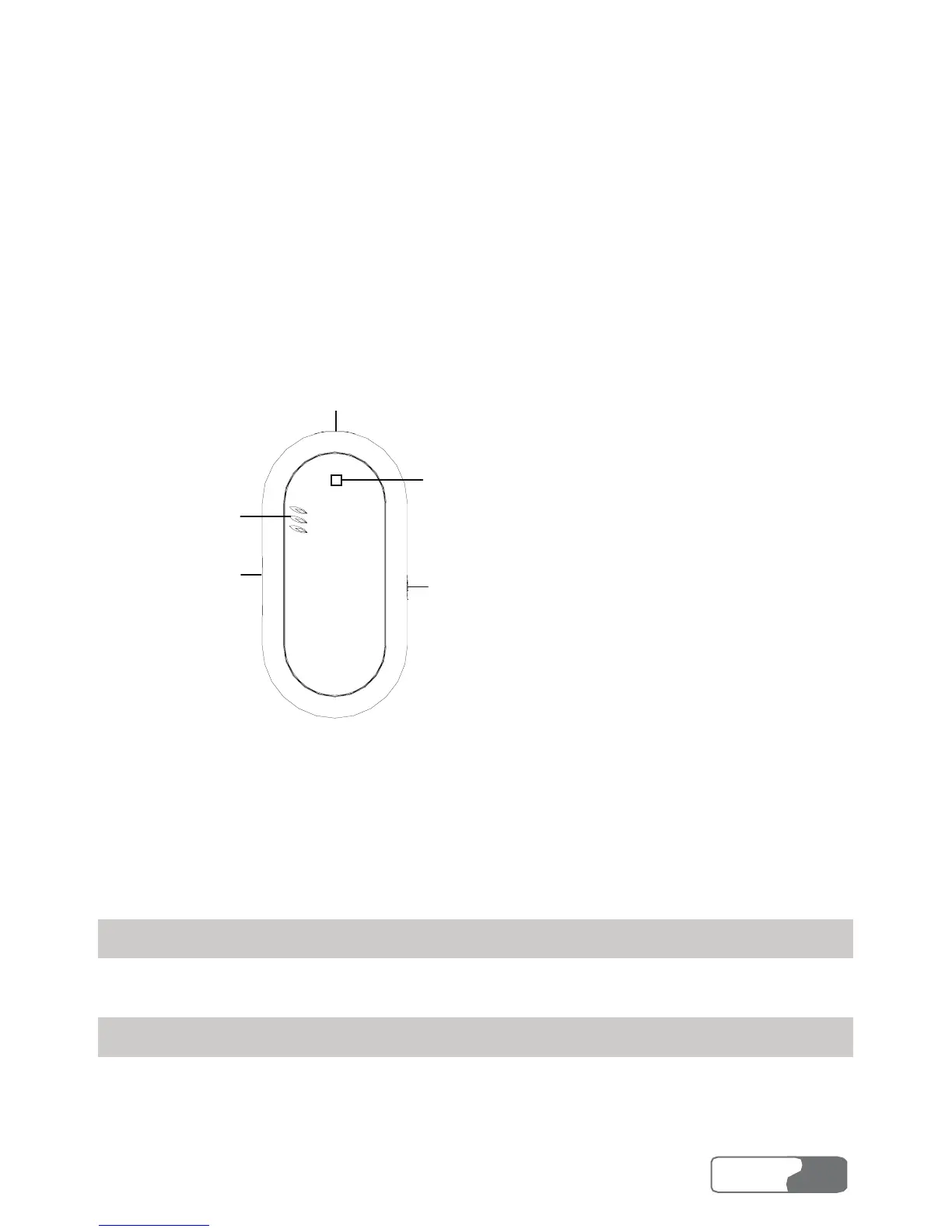
The following is an illustration of your EC325 Data Modem.
Speaker
Earphone jack
UIM card jack
Indicator
USB interface
Note:
This is a sketch of the EC325. Your EC325 may be different. It is subject to your
actual one.
Earphone Jack
Insert your earphone into the jack on the EC325 when you use the call service.
Indicator
The LED indicates the status of your EC325. Normally, the indicator is blue.



 To Next Page