eLTE3.1 Dispatch Platform
Product Description
Huawei Proprietary and Confidential
Copyright © Huawei Technologies Co., Ltd.
users.
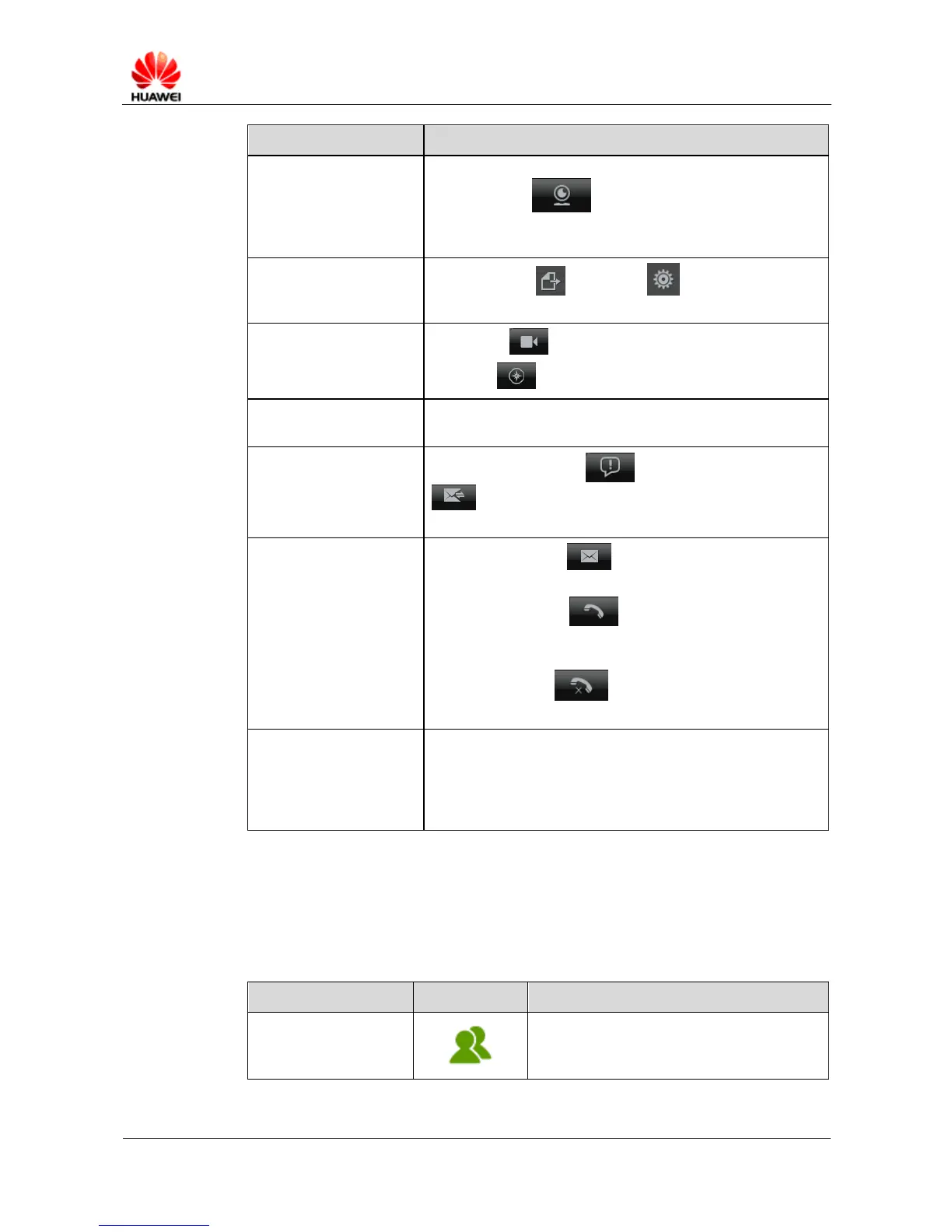
Camera page : allows you to subscribes cameras,
monitor their service status and network status, and obtain
video from cameras.
Provides export and setting buttons and displays
current system time.
Video page : allows you to manage video services.
GIS page : allows you to manage GIS services.
Displays the ongoing video services and allows you to manage
these services.
Provides the event page and SM/MM receive page
, which allows you to manage received events, SMs,
and MMs.
6 SM sending, incoming
calls, and missed calls
SM/MM sent page : allows you to send SMs and
MMs.
Incoming call page : displays voice point-to-point
(PTP) and video uploading services and allows you to
answer, hang up a call.
Missed call page : allows you to manage missed
calls and call back.
Includes a text box, a dial button, a PTT button, a video
uploading button, a forced release button, a floor preemption
button, and hotline buttons. In the text box, eDC610 users can
input the number or name of a PTT user, a group, or a camera
to set up services with them.
Group Status
Table 6-2 describes group status.
Table 6-2 Group status
A subscribed group is always in the online
state.



 To Next Page