eLTE3.1 Dispatch Platform
Product Description
Huawei Proprietary and Confidential
Copyright © Huawei Technologies Co., Ltd.
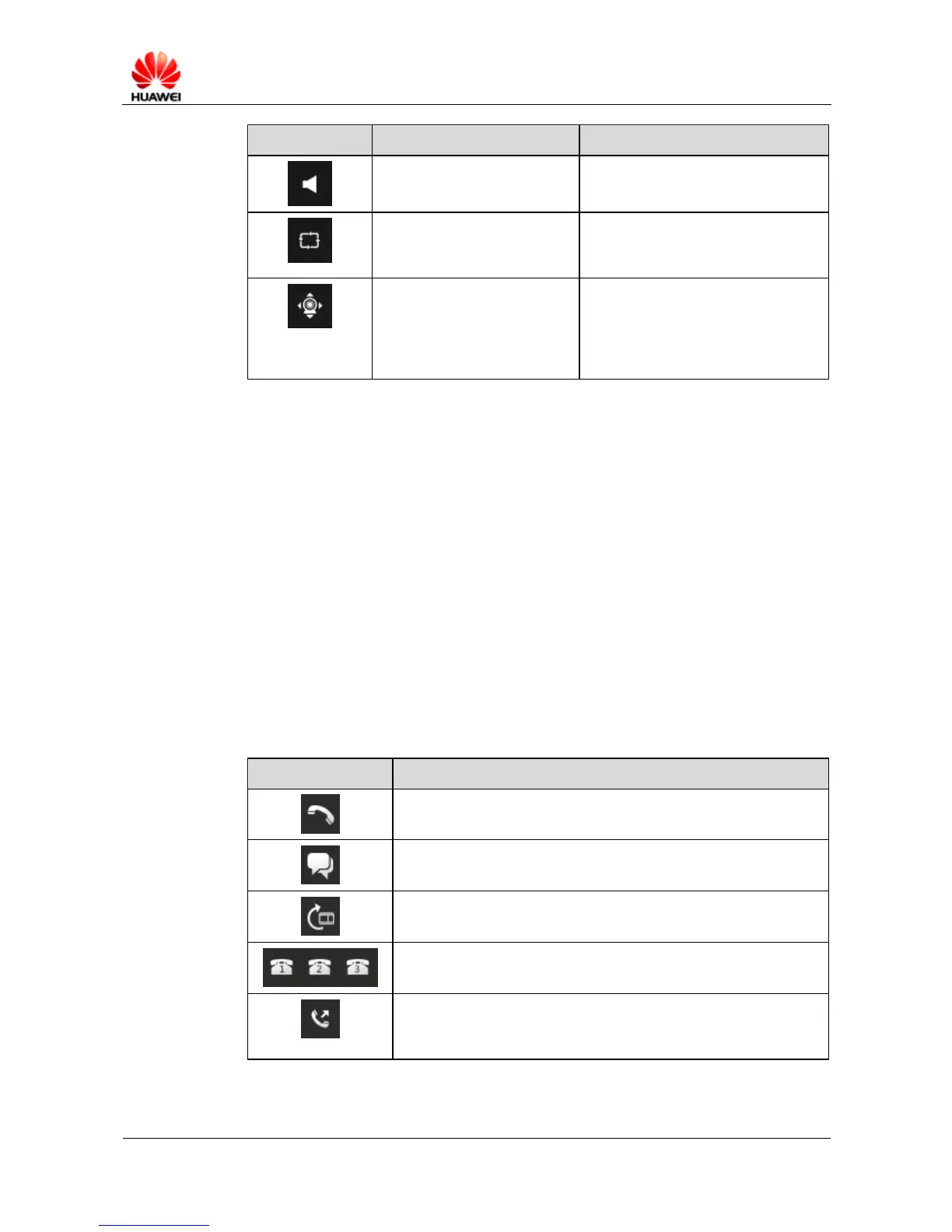
In a split screen, video uploaded by
several cameras is displayed in turns
at a specified interval.
The camera can move their lenses
horizontally and vertically, as well as
change their focal lengths between
near and far under the control of
PTZ.
GIS Page
On the GIS page, you are allowed to:
On the GIS toolbar, import map layers, zoom in/out the electrical map, drag and drop the
electrical map, and search for a GIS terminal or camera on the electrical map.
In the resource lists, add/delete GIS terminals and set the period for reporting GIS
information.
On the map layer page, set the display mode to multi-layer.
In the electrical map, monitor the information of GIS terminals and cameras such as their
longitudes, latitudes, and altitudes.
Dispatch Buttons
Table 6-6 describes the functions of dispatch buttons.
Table 6-6 Functions of dispatch buttons
Allows you to make a PTP call to a specified terminal, another
eDC610 user, or a user outside the system.
Allows you to make a group call.
Allows you to obtain video from a specified terminal or camera.
Allows you to call a preset hotline at one click. A maximum of
three hotlines are supported.
Allows you to get a call floor during a PTP call. When you get the
call floor from one party during the original PTP call, the party is
cut off and you can talk with the other party.



 To Next Page