eLTE3.1 Dispatch Platform
Product Description
Huawei Proprietary and Confidential
Copyright © Huawei Technologies Co., Ltd.
A PTP voice call is in progress.
The PTT user is making a PTP
emergency call.
Cameras Status
Table 6-4 describes camera status.
Table 6-4 Camera status
The video service is idle.
The camera is uploading video.
Video Page
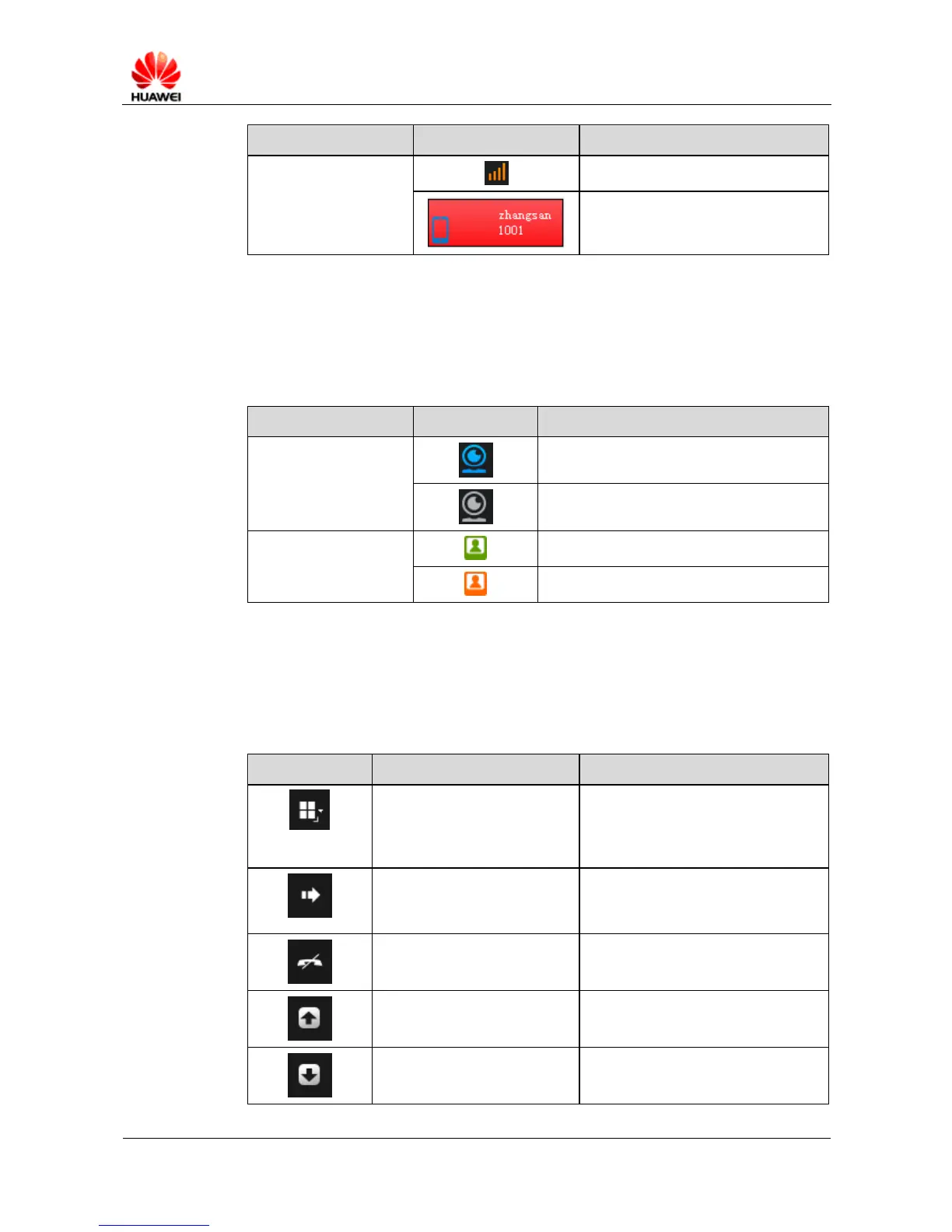
Table 6-5 describes the toolbar buttons on the video page.
Table 6-5 Toolbar buttons on the video page
Shifts the number of split
screens.
Video can be split into 1, 4, 9, or 16
screens. A maximum of 16 channels
of video signals can be uploaded
simultaneously.
Video in the process of uploading can
be distributed to a specified terminal
or another eDC610.
Hangs up a video uploading
service.
Transfers video to a TV wall.
Stop transferring video to a
TV wall.
The uploaded video is not necessarily
transferred to a TV wall.



 To Next Page