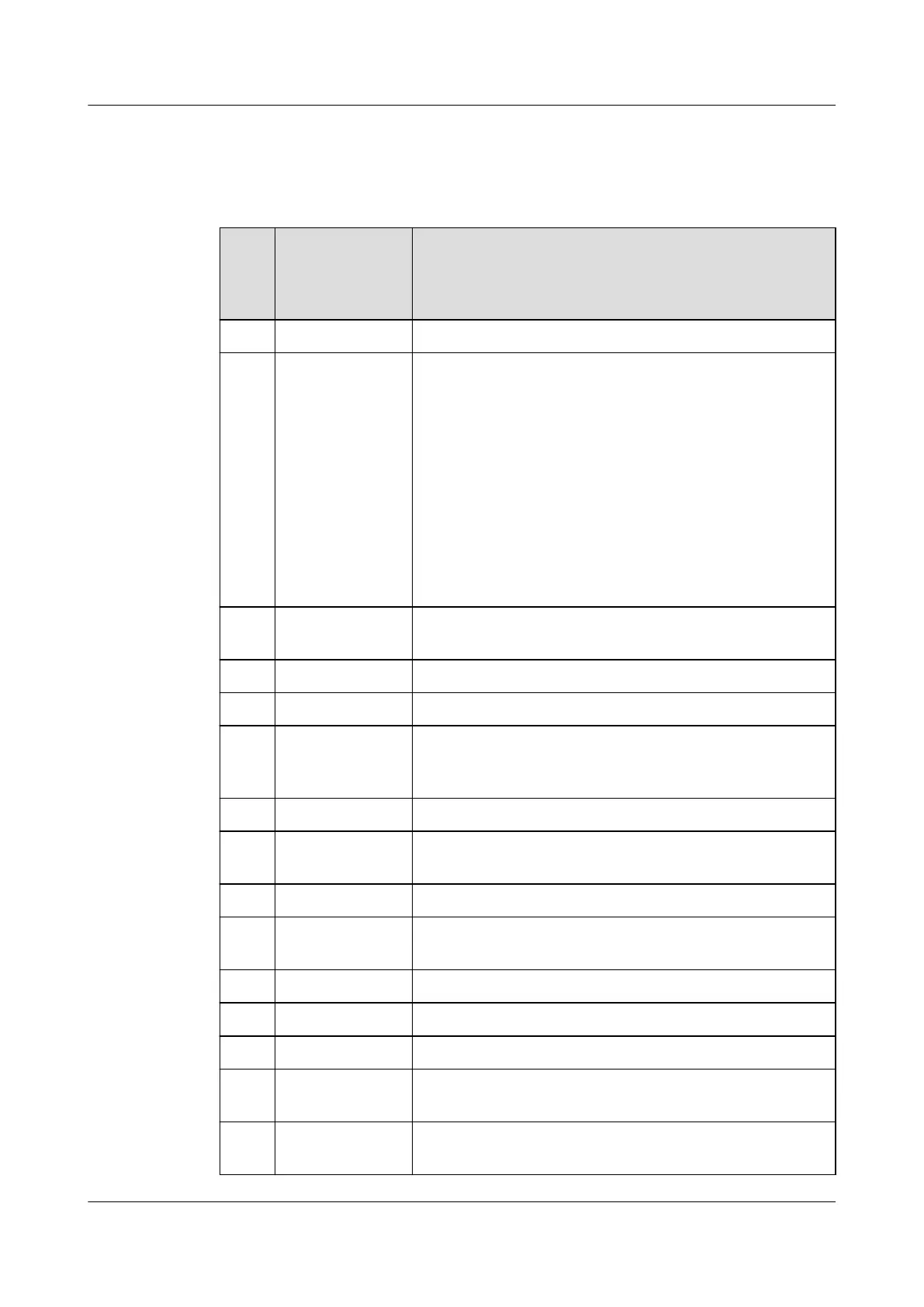
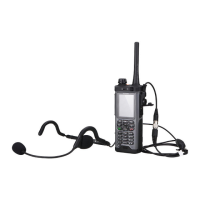
Table 3-1 describes the components on the phone body. Table 3-2 describes the keys on the
front panel.
Table 3-1 Phone body of an EP820
Sequ
ence
Num
ber
Name Description
1 Headset jack Used to connect a headset.
2 Emergency mode
call key
l When your phone is off, hold down the key to enter the
emergency mode call, or enter the hot-mic emergency
mode call if Hot Mic is enabled.
l When your phone is in the standby state, hold down the
key to enter the emergency mode call.
l When your phone is in the listening state and a remote
party is speaking, hold down the key to enter the hot-mic
emergency mode call if Hot Mic is enabled.
l You can wake up a dormant EP820 by pressing the key.
l The key does not take effect when the phone is in public
network mode.
3 LTE antenna
interface
None
4 Earpiece None
5 Front camera None
6 Secondary
microphone
The secondary microphone is used when you make a voice
call or perform a video service in handsfree mode or make a
DMO call or group call.
7 Screen Capacitive touchscreen
8 Distance sensor
and indicator
None
9 Key For details, see Table 3-2.
10 Primary
microphone
None
11 Speaker None
12 Back camera None
13 Flash None
14 Back clip
(interface)
None
15 Battery cover
latch
None
EP820
User Guide
3 Overview
Issue 05 (2016-06-20) Huawei Proprietary and Confidential
Copyright © Huawei Technologies Co., Ltd.
8









 To Next Page