Settings
More Connections
Project Your Phone Screen Wirelessly
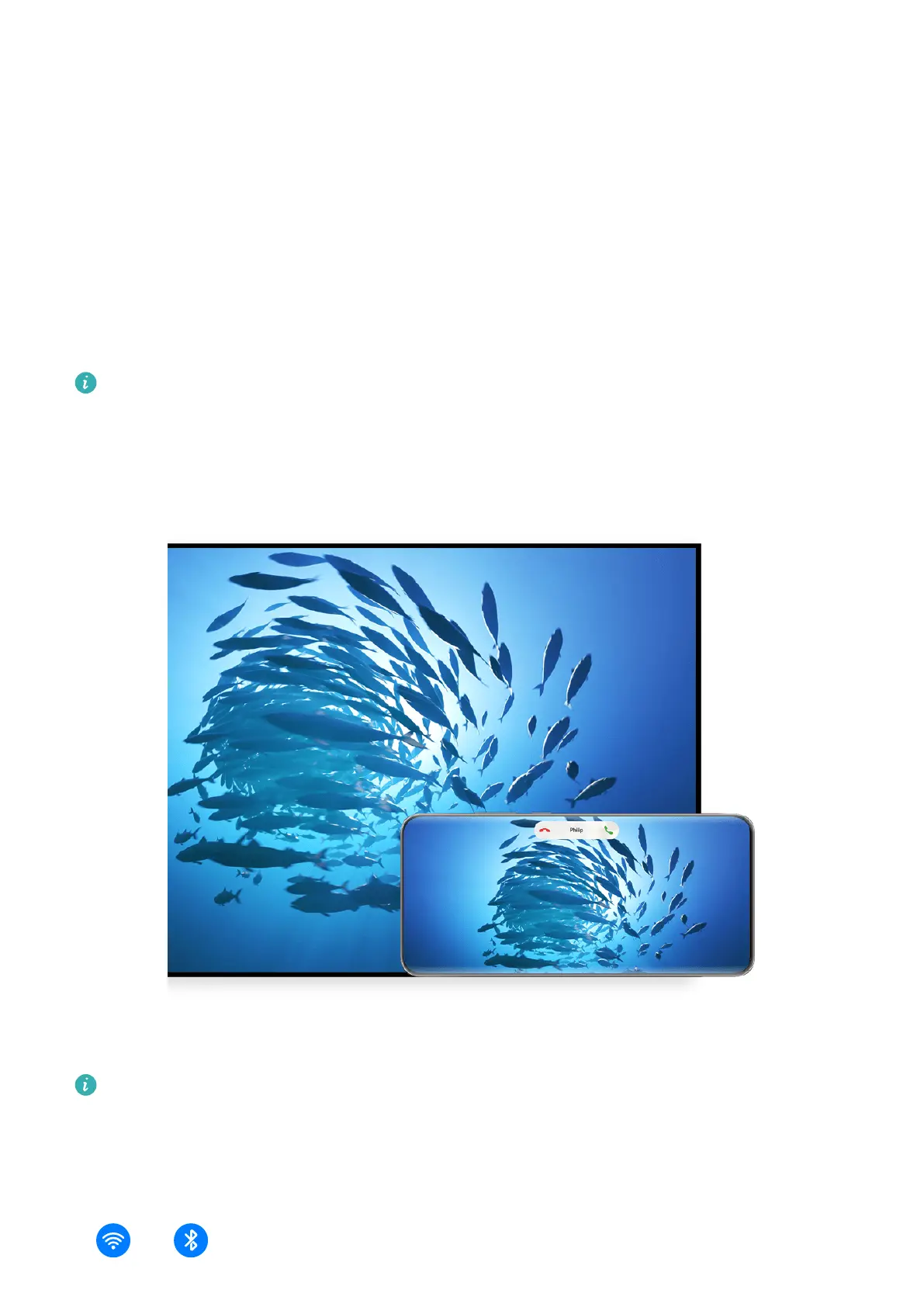
Project your phone wirelessly to stream movies and work on a large-screen device (such as a
Vision).
Dierent display devices support dierent projection protocols. Therefore, the projection
method may vary. Choose a suitable method based on the protocol supported by your device.
For details about the supported projection protocols, refer to the product manual or
contact the product manufacturer.
The gures are for reference only.
1 Ensure that the Cast+/Miracast switch or the projection switch is enabled on the large-
screen device. For details about how to turn on the switch, refer to the product manual or
contact the product manufacturer.
2 Swipe down from the upper right edge of your phone to display Control Panel, and touch
and .
102



 To Next Page