1 Touch and hold the picture you want to copy within an app (such as Notepad or Email)
on a device and touch Copy.
You can also select a picture in your Gallery and go to
> Copy to clipboard to copy it.
2 On another device, touch and hold where you want to insert the picture within an app
(such as Notepad or Email) and touch Paste.
Easy Projection
Project Your Phone Screen Wirelessly
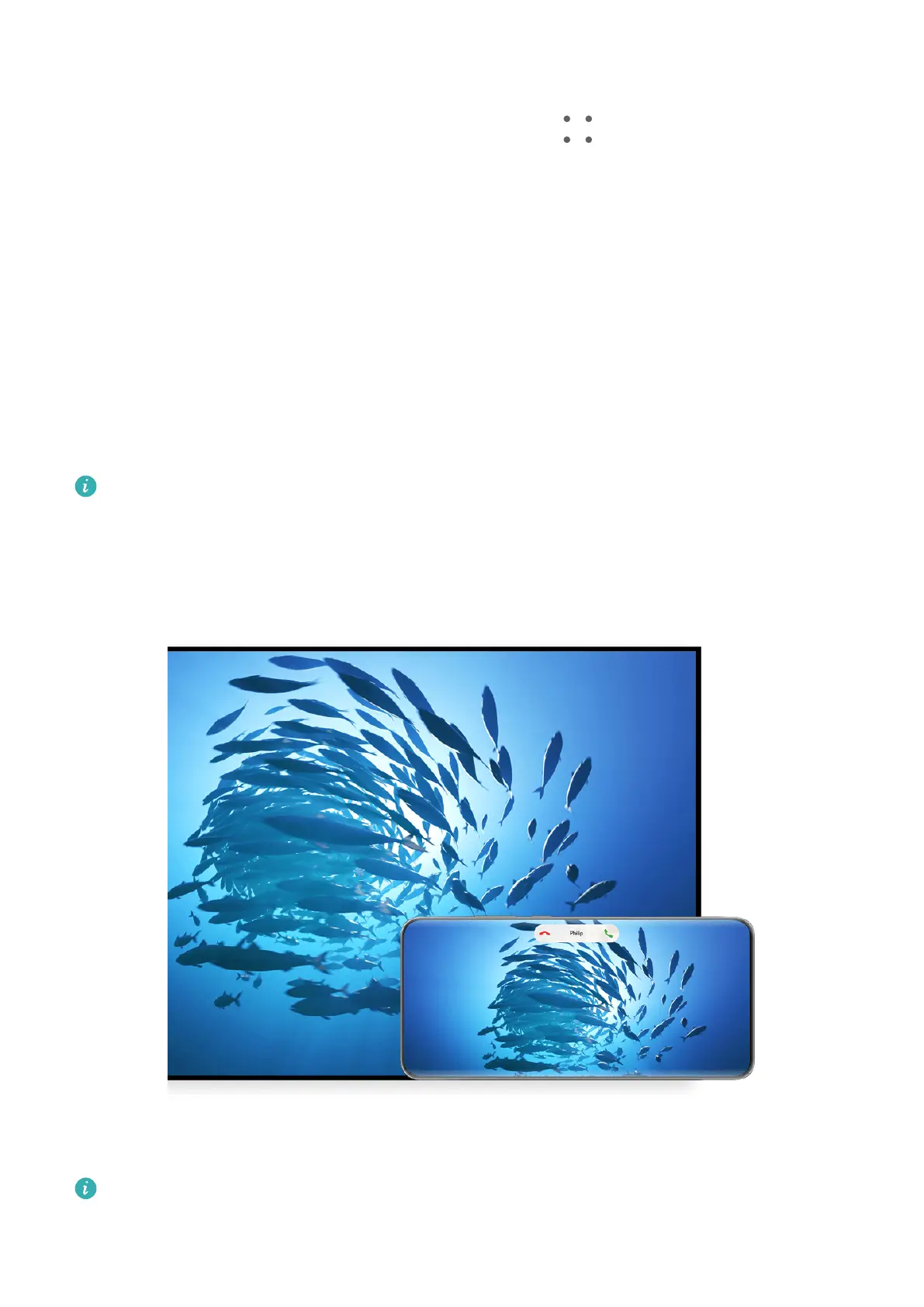
Project your phone wirelessly to stream movies and work on a large-screen device (such as a
Vision).
Dierent display devices support dierent projection protocols. Therefore, the projection
method may vary. Choose a suitable method based on the protocol supported by your device.
For details about the supported projection protocols, refer to the product manual or
contact the product manufacturer.
The gures are for reference only.
Smart Features
42



 To Next Page