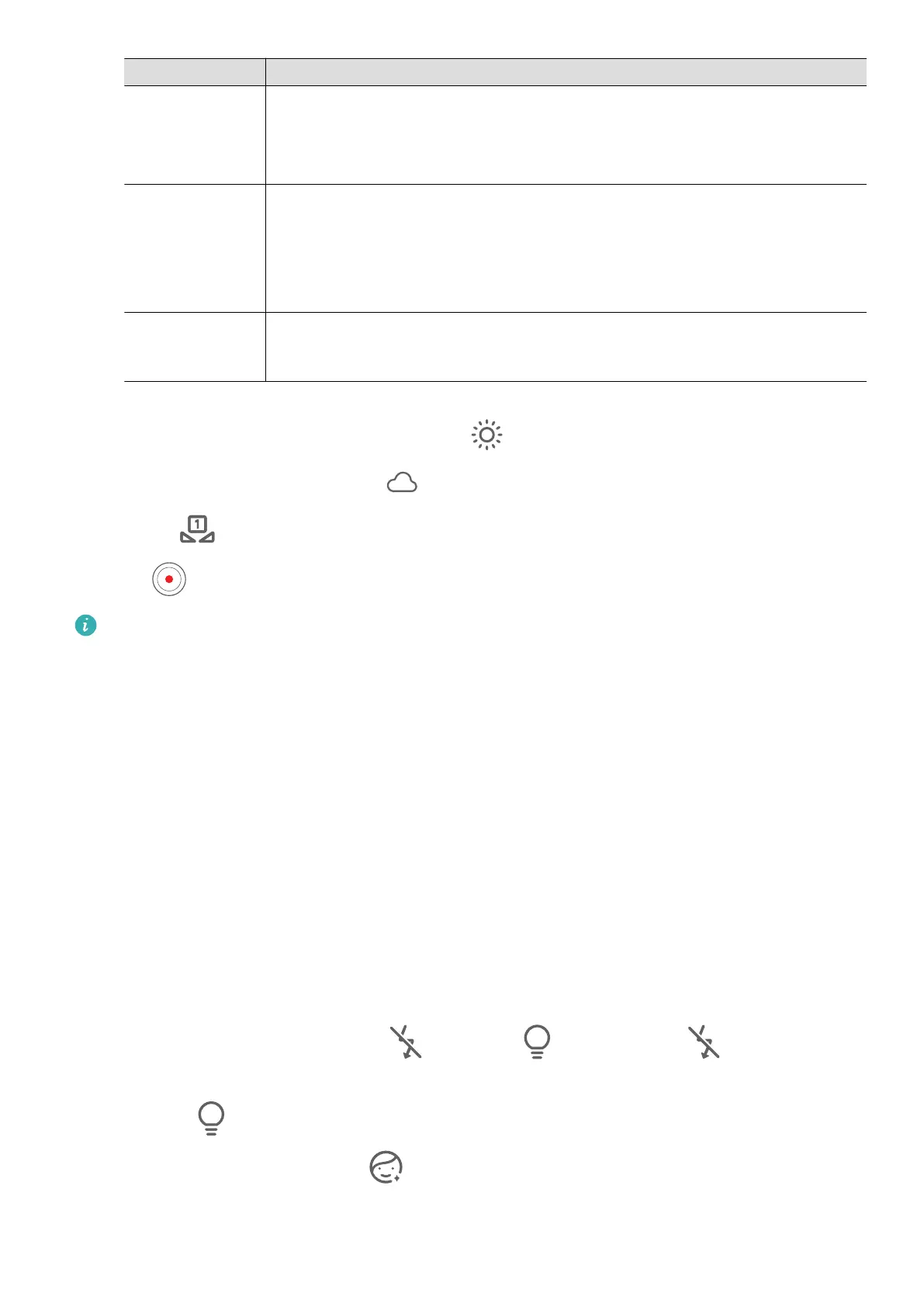
Focus Mode Usage Scenario
AF-S (single-
shot auto-
focus)
Stationary subjects
AF-C
(continuous-
shot auto-
focus)
Moving subjects
MF (manual
focus)
Touch the subject of interest to focus in on them, or on specic
features, such as their face.
• Adjust the color cast: Touch WB·, and select a mode.
When shooting in bright daylight, select . When shooting in overcast conditions or
low-light environments, select .
Touch to adjust the color temperature.
2 Touch
to start recording.
• These features are only supported on certain device models.
• Adjusting a specic setting will sometimes cause other settings to change as well.
Remember to only make adjustments based on actual needs.
Record Videos
Capture Video
1 Open Camera and select Video mode.
2 Adjust the following settings:
• Zoom in or out: Pinch in or out on the viewnder, or drag the zoom slider.
• Focus: Touch the location you want to focus on. Touch and hold the
viewnder to lock
the exposure and focus.
• Turn the ash on or o: Touch and select (steady on) or (o).
When using the front camera to record videos in low-light conditions, you can set the
ash to (steady on). The camera will provide light compensation.
• Adjust beauty eects: Touch and drag to adjust the eects.
Camera and Gallery
71



 To Next Page