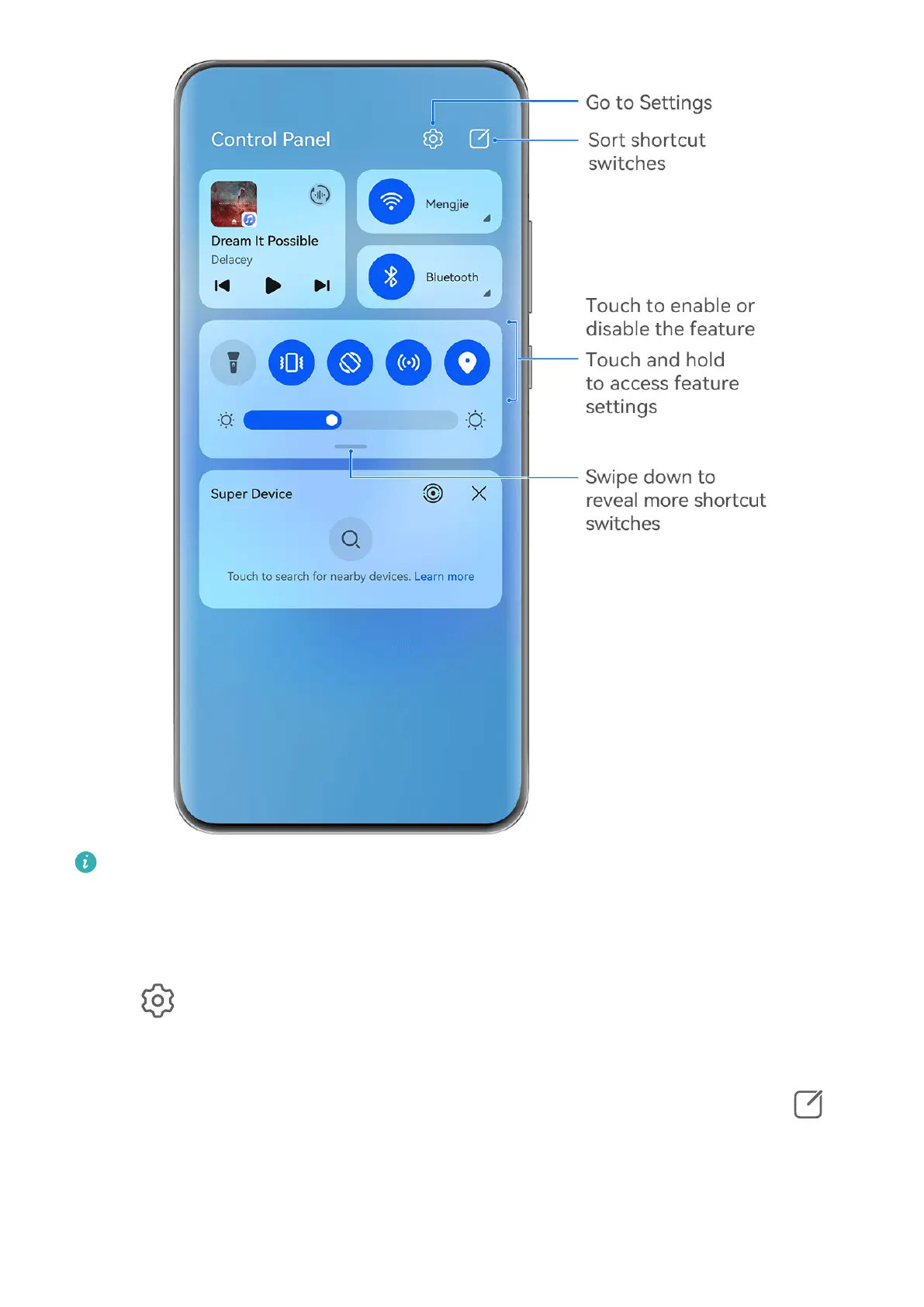
The gures are for reference only.
• Touch a shortcut switch to enable or disable the corresponding feature.
• Touch and hold a shortcut switch to access the settings screen of the corresponding feature
(supported by some features).
• Touch
to access the system settings screen.
Customize Shortcuts
Swipe down from the upper right edge of the screen to display Control Panel, go to >
Edit switches, then touch and hold a shortcut switch to drag it to your preferred position,
and touch Done.
Essentials
11



 To Next Page