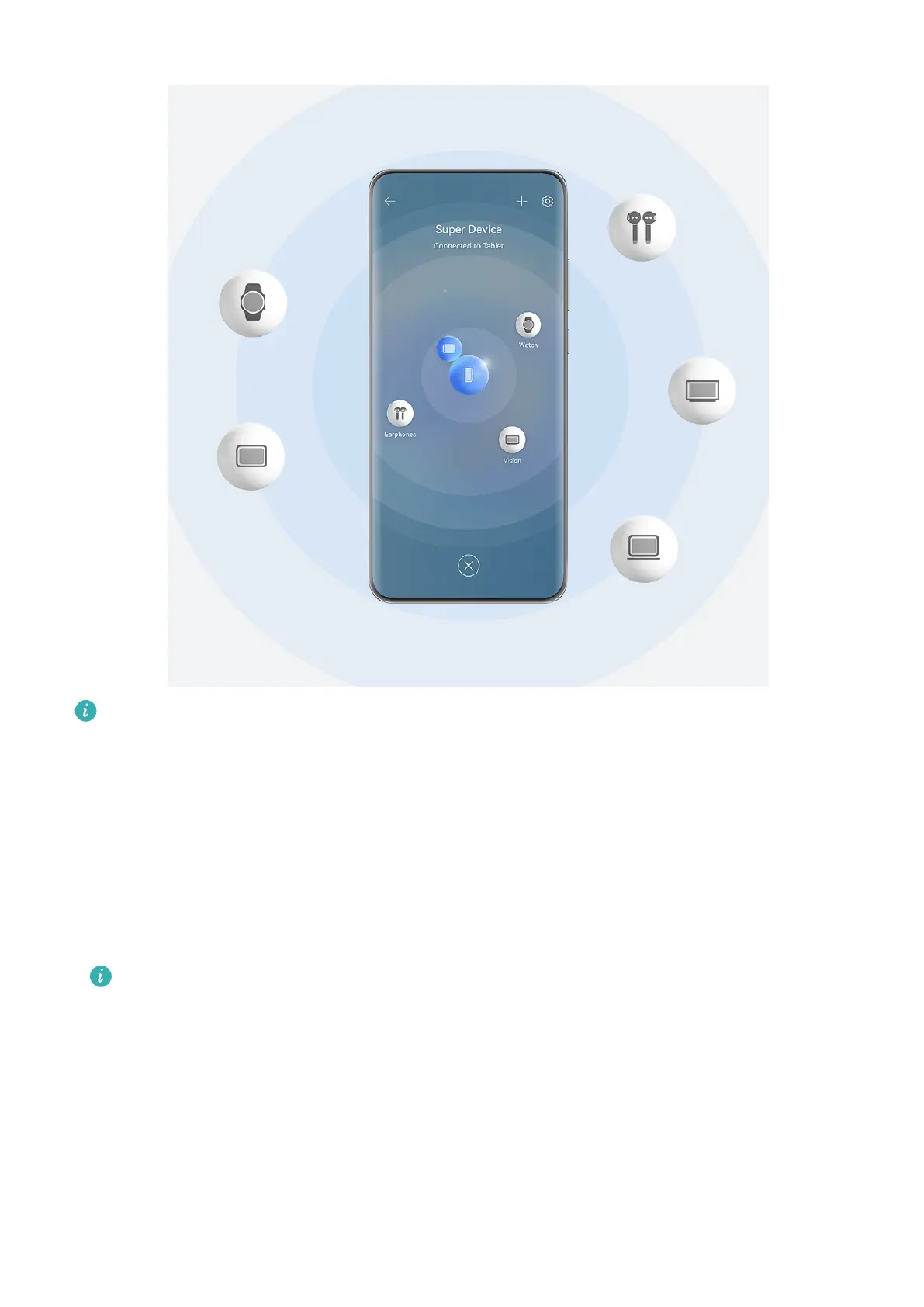
The gures are for reference only.
Device types supported by Super Device may vary by product.
Set Super Device Before Getting Started
Before using Super Device, enable Bluetooth and Wi-Fi on your phone, and log in to your
HUAWEI ID.
Make sure that the screens of your other devices remain on, and apply the following settings
on these devices:
• Phone: Enable Bluetooth and Wi-Fi.
Only phones that support Multi-cam mode can be used as connected devices. You can
check whether Multi-cam mode is supported by going to Camera > More (for the list
of supported devices, please visit the Huawei ocial website).
• Tablet: Enable Bluetooth and Wi-Fi.
• Tablet with an E Ink display: Enable Bluetooth and Wi-Fi, and make sure that it is logged
in to the same HUAWEI ID as your phone.
• Computer: Enable Bluetooth and Wi-Fi, and make sure that it is logged in to the same
HUAWEI ID as your phone.
• Vision or monitor: Enable Bluetooth and Wi-Fi.
Essentials
14



 To Next Page