• Drag an image: Select an image from one of the Email app's split-screen windows, and
drag it to the other window.
• Drag text: Touch and hold down on the text and select the desired portion, from one of the
Email app's split-screen windows, then touch and hold down on the text once again, and
drag it to the other window.
• Drag a document: Select a document from one of the Email app's split-screen windows,
and drag it to the other window.
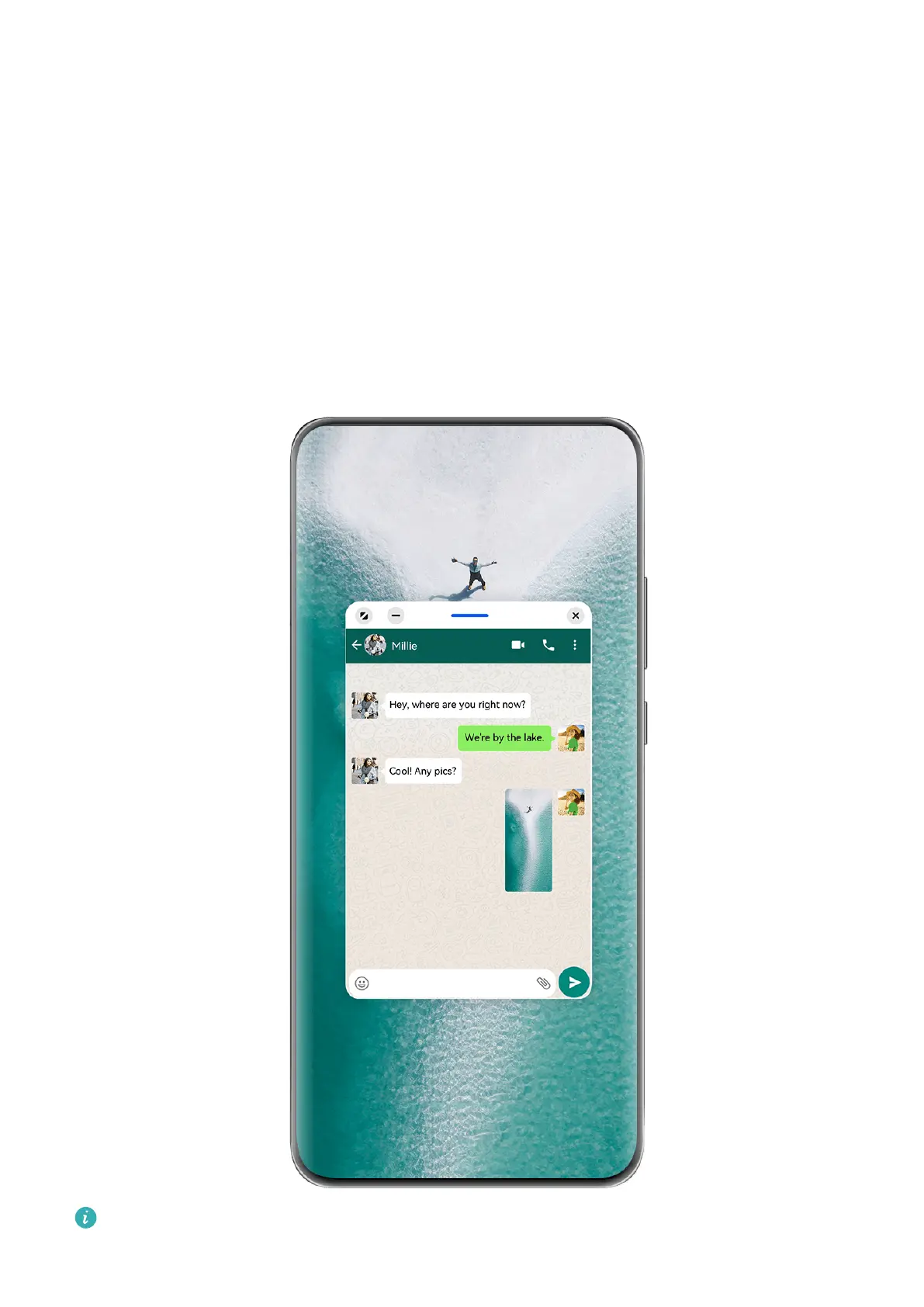
Use the Floating Window
Open a oating window while gaming, and you can chat with a friend without missing a
second of the action.
The gures are for reference only.
Essentials
27



 To Next Page