• The features and operations may vary between PC Manager versions.
• It is recommended that you update PC Manager to the latest version by going to
>
Check for updates.
The gures are for reference only.
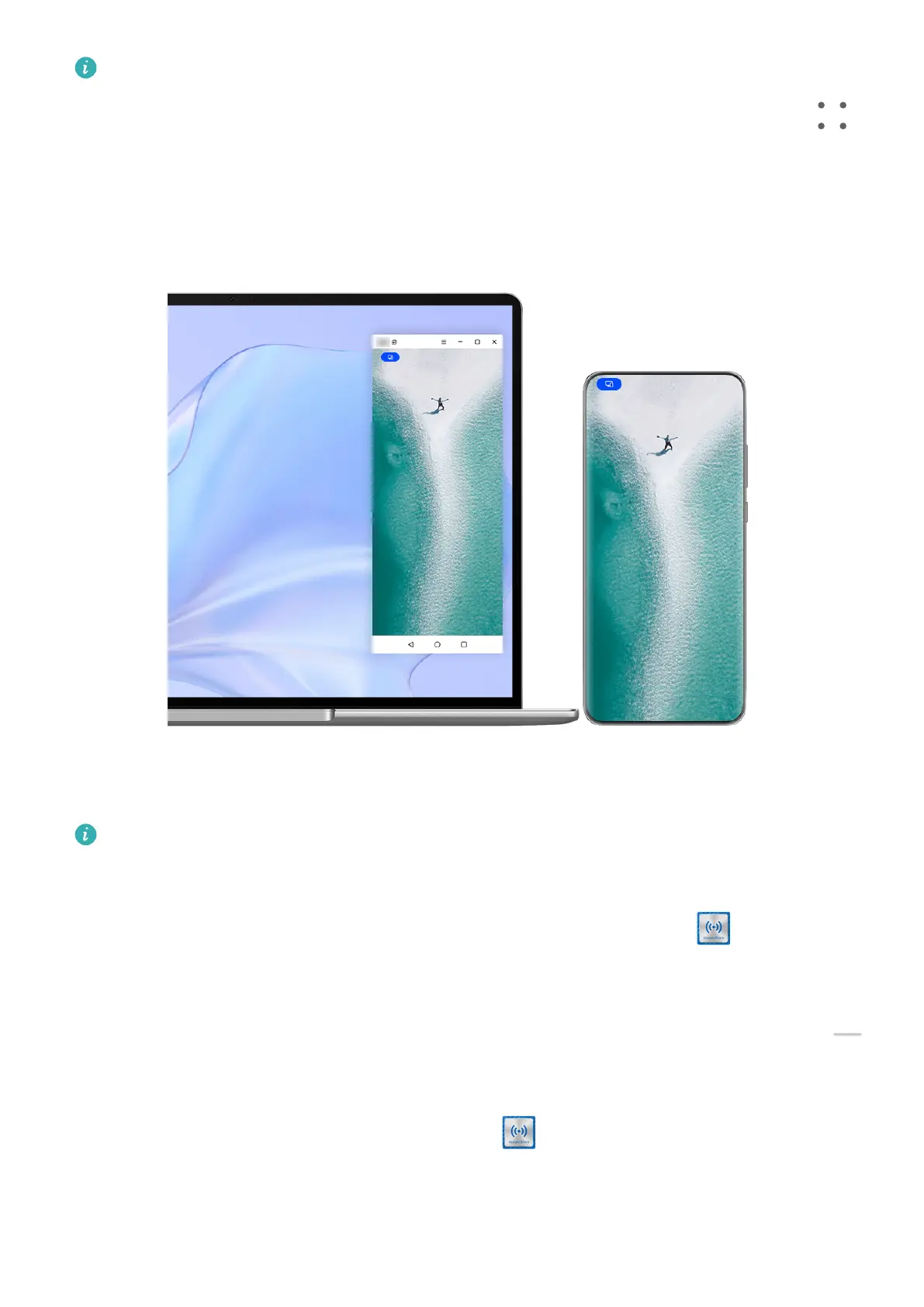
Connect Your Phone to Your Laptop Through OneHop
1 Ensure that your laptop has a Huawei Share sensor or an area with a label.
2 On your laptop, enable Wi-Fi, Bluetooth, and PC Manager, and agree to the user license
agreement.
3 Swipe down from the upper right edge of your phone to display Control Panel, touch
to expand the shortcut switch panel, and enable NFC, Wi-Fi, and Bluetooth.
4 Tap the NFC area (near the rear camera) on the back of your phone against the Huawei
Share sensor of your laptop, or the area with a label, until your phone vibrates or
plays a tone.
5 Follow the onscreen instructions on your phone and laptop to complete the connection.
Smart Features
47



 To Next Page