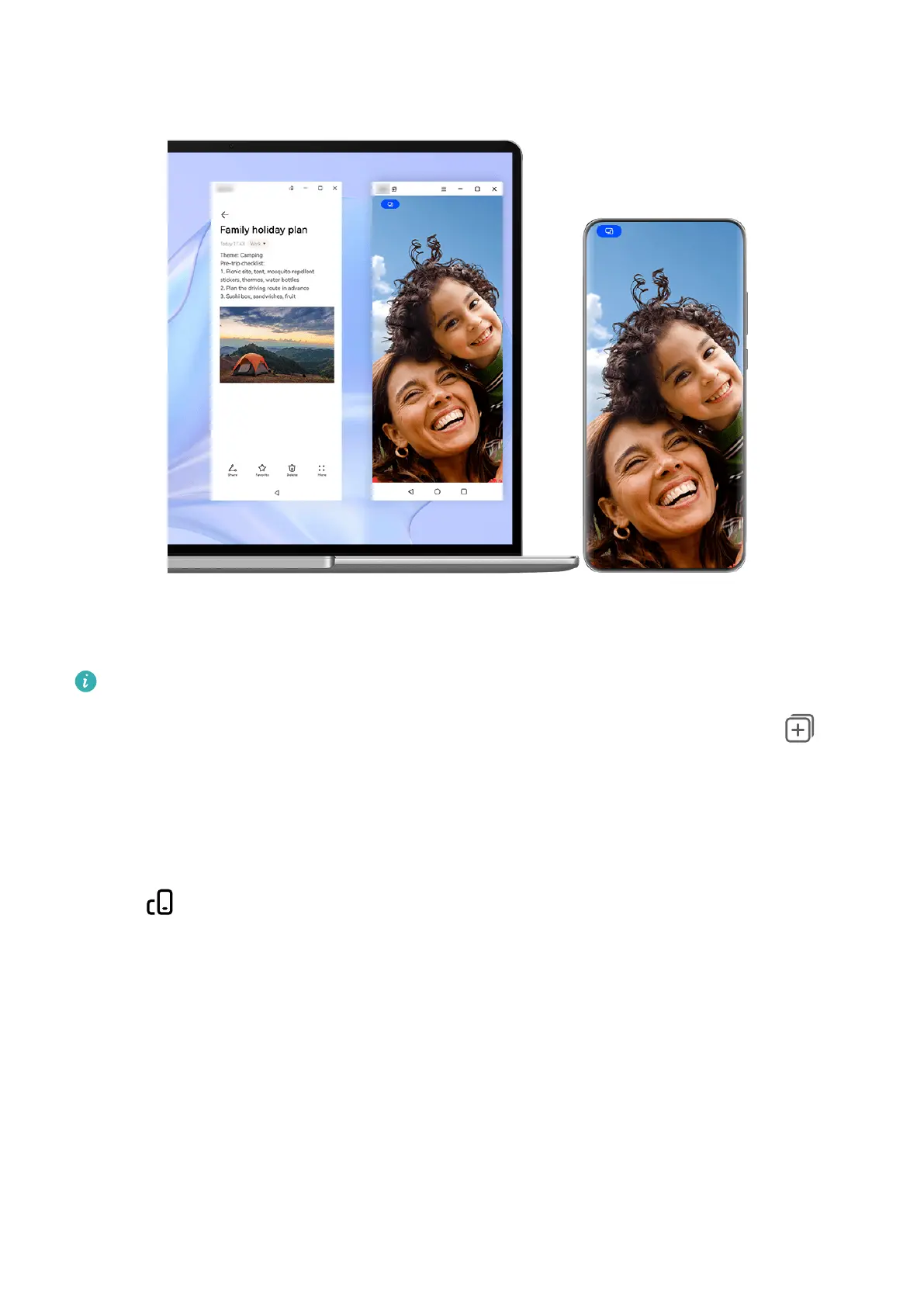
The gures are for reference only.
Open an app (for example, NotePad) in the phone window on your laptop, click on in
the window to display this app in a separate window. You can then open another app in the
phone window.
Click and hold down on an app (for example, NotePad) in the phone window of your laptop,
and select Open in new window to display this app in a separate window.
Click on in the separate app window to switch to Landscape mode.
Multi-screen Collaboration Between Your Phone and Tablet
Connect your phone and tablet to use Multi-screen Collaboration for cross-device operations,
such as to display your phone screen on the tablet, use your phone apps on the tablet, drag
les across the two devices, copy and paste text, and edit a le from your phone on the
tablet.
Smart Features
53



 To Next Page