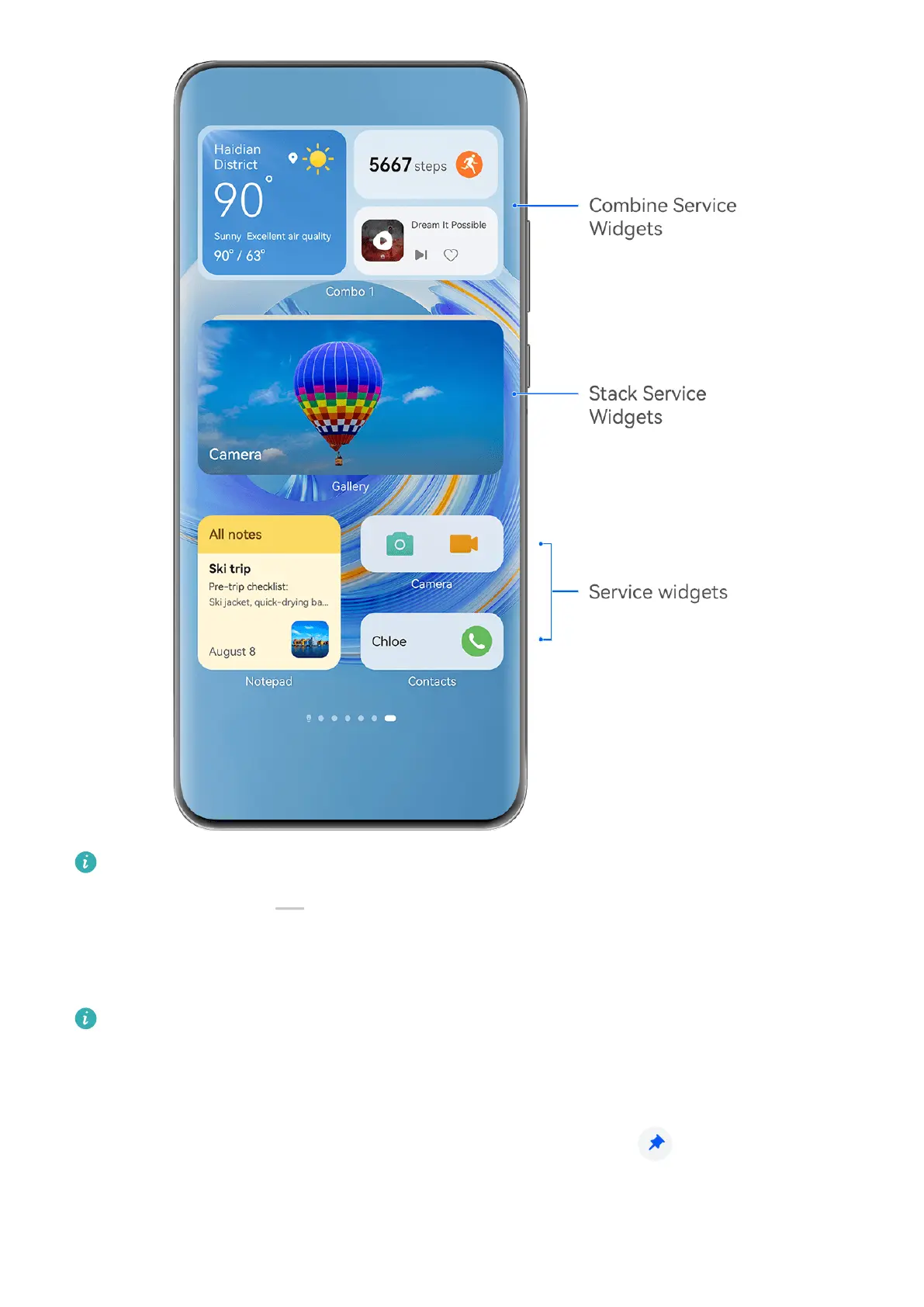
The gures are for reference only.
Apps with a widget bar at the bottom support service widgets.
To remove the widget bar, go to Settings > Home screen & wallpaper > Home screen
settings > Show widget bars.
This feature is not supported in some cases, such as when your device is in Simple mode.
Add Service Widgets to Your Home Screen
You can add a service widget to the home screen in any of the following ways:
• Swipe up on an app icon to expand its service widget, and touch to add the service
widget to the home screen.
Essentials
5



 To Next Page