Highlighted features
Huawei Share
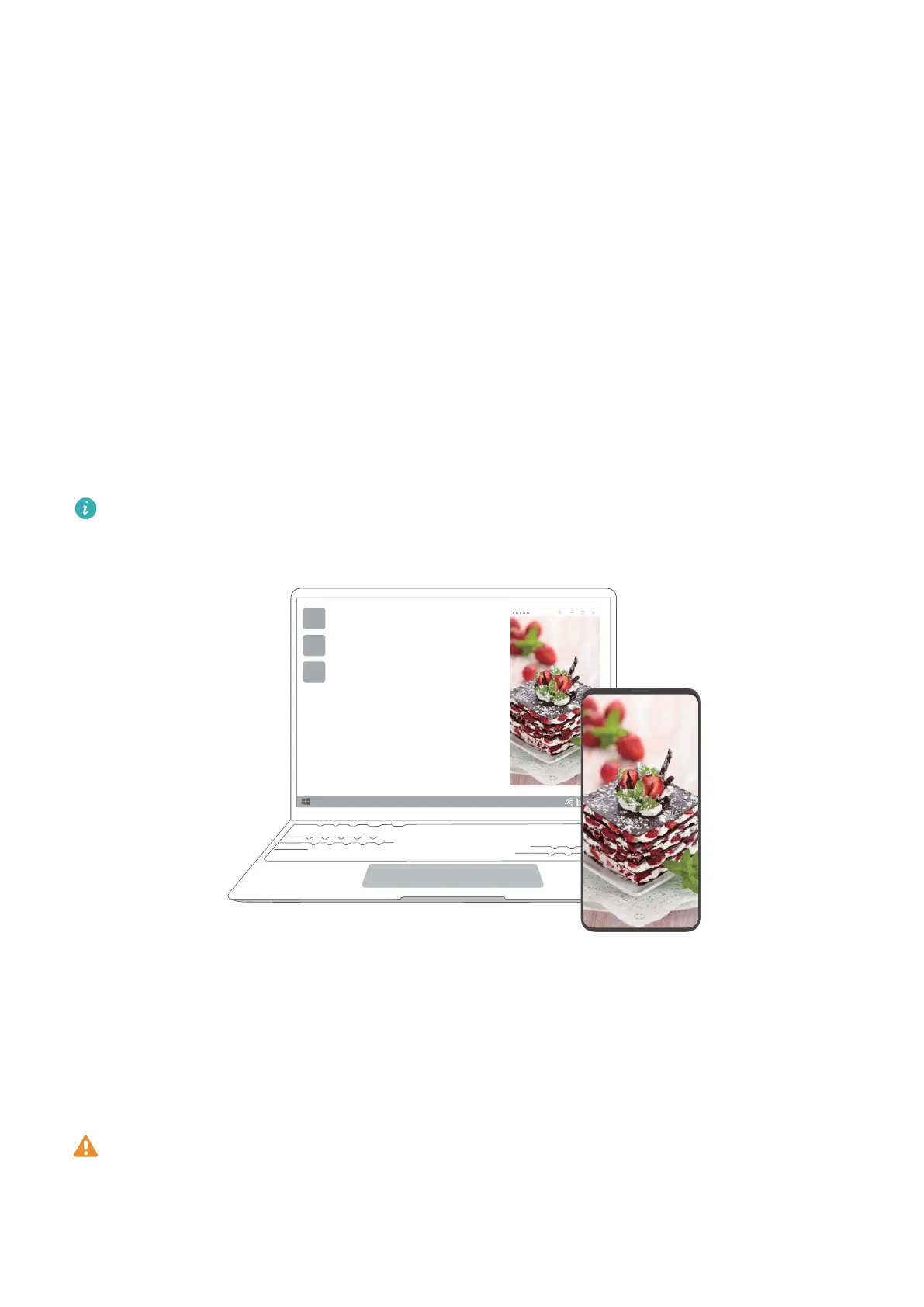
More than just a tap: Project a virtual version of your phone on the laptop. Control apps and
les on your phone easily using your laptop. Drag to transfer les instantly between the two
and share clipboards.
• Multi-Screen Collaboration: Easily access phone apps and les on the computer, as well as
answer voice and video calls to your phone. Drag and drop to transfer les between your
phone and computer.
• Sharing les: Tap your phone on the computer to share les. Shake your phone to record
the computer screen.
• Sync data: Copy content from your phone to the computer and vice versa with a shared
clipboard. Updated les on your phone can also be automatically synced to the computer.
For detailed instructions, visit our ocial website:
https://consumer.huawei.com/en/support/huaweisharewelcome/
Finger Gesture Screenshot (supported by some
touchscreen models)
Use Finger Gesture Screenshot to capture a window, the whole screen, or a selection of the
screen.
• Some touchscreen computers with PC Manager 9.1 or later support Finger Gesture
Screenshot.
• When using Finger Gesture Screenshot for the rst time, you must open PC Manager
and agree to the User Agreement.
10














 To Next Page