Connecting a TV, monitor, or projector
Connect the computer to an external display such as a TV, monitor, or projector when
watching lms or giving presentations.
• In addition to the computer, MateDock, and external display, you will also need an
HDMI or VGA cable.
• Check the type of port on the external display before connecting.
• The method for connecting the computer to an external display via HDMI and VGA are
approximately the same. The instructions below are for connecting via HUAWEI
MateDock 2.
• The HDMI and VGA ports cannot be used simultaneously.
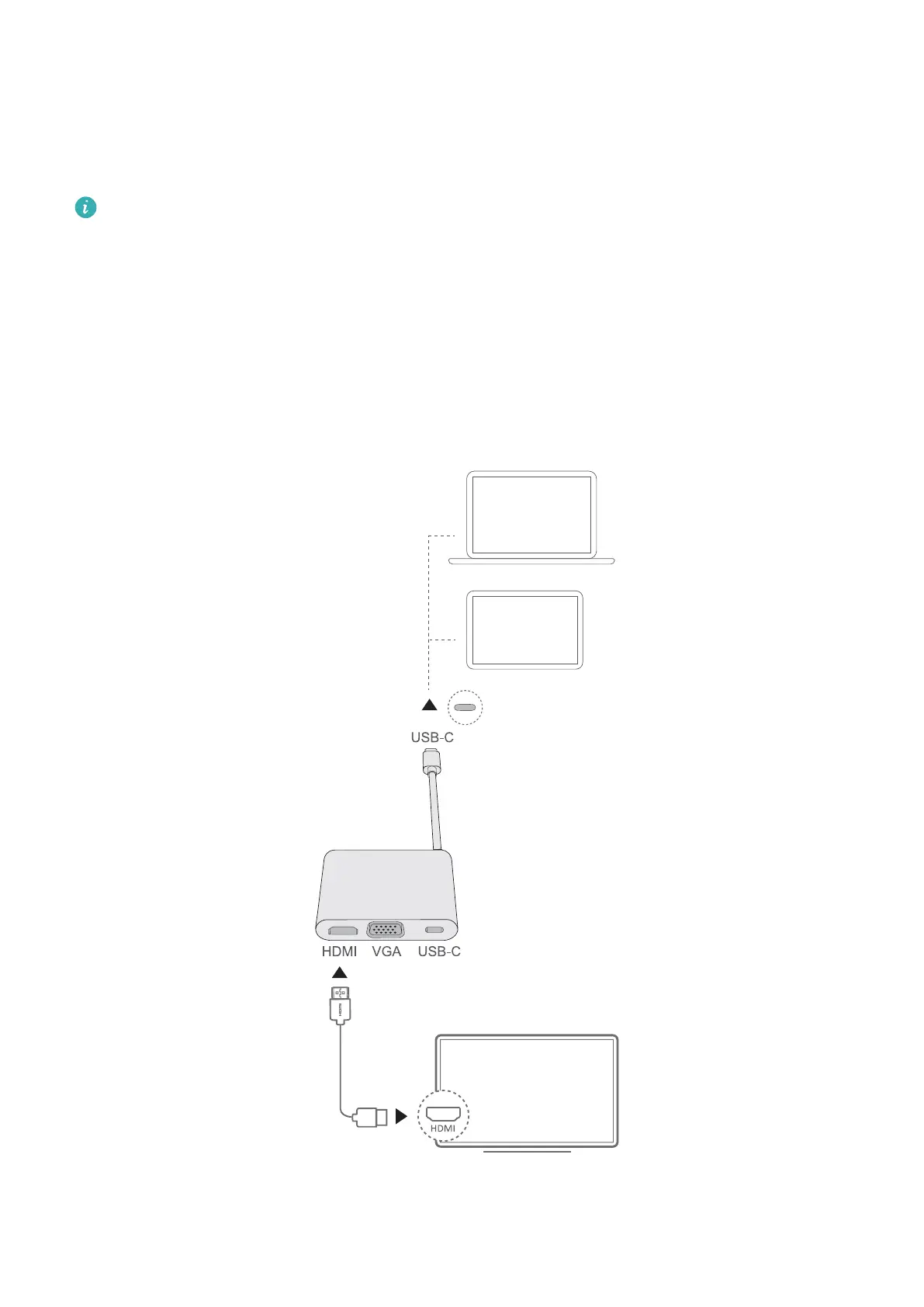
1 As shown in the gure, connect the computer to a TV, monitor, or projector using a
MateDock.
2 Connect the external display to a power supply and turn it on.
Accessories and extensions
16














 To Next Page