Learn about Windows 10
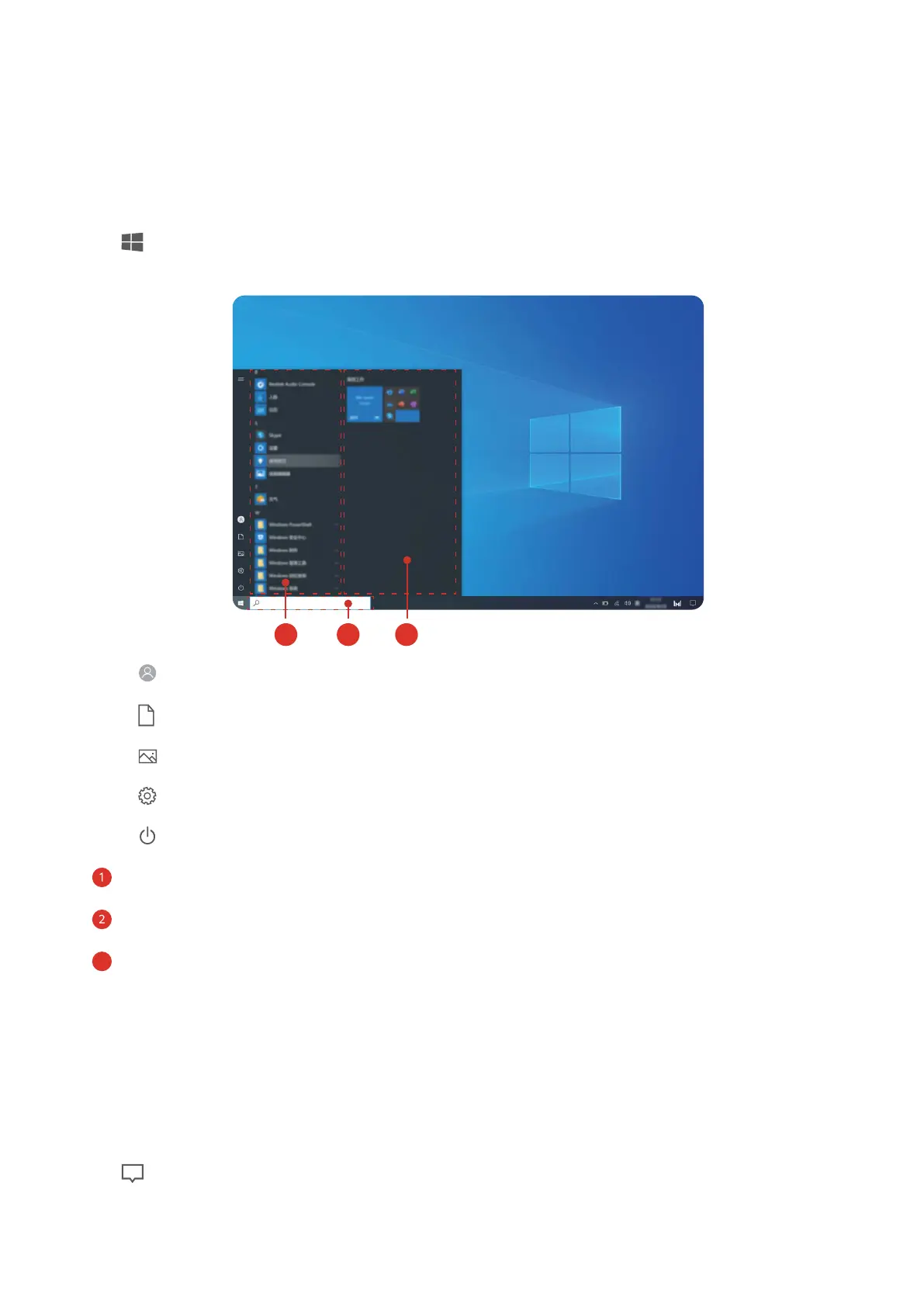
Using the Start menu
Use the Start menu to access apps, settings, and les on your computer.
Click to open the Start menu.
• Click to change, lock, or sign out of the current user account.
• Click to access the Documents folder.
• Click to access the Pictures folder.
• Click to open Settings.
•
Click
to sleep, shut down, or restart the computer.
• App list: scroll up and down to view all apps and programs.
• Search box: Enter a term to search for les or apps.
•
Pinned tiles: Pin your favourite apps or websites here, and organise them into groups.
Action centre
The action centre displays notications for updates, incoming emails, and more. It also
provides quick actions that allow you to quickly enable or disable features or congure
relevant settings.
Click in the lower right corner of the desktop to open action centre. You can then:
• Quickly open Settings, projection options, and more.
13














 To Next Page