Accessories and extensions
MateDock (optional)
Use the MateDock to connect your computer to external devices such as projectors, TVs, and
USB drives.
The MateDock is an optional accessory and is sold separately.
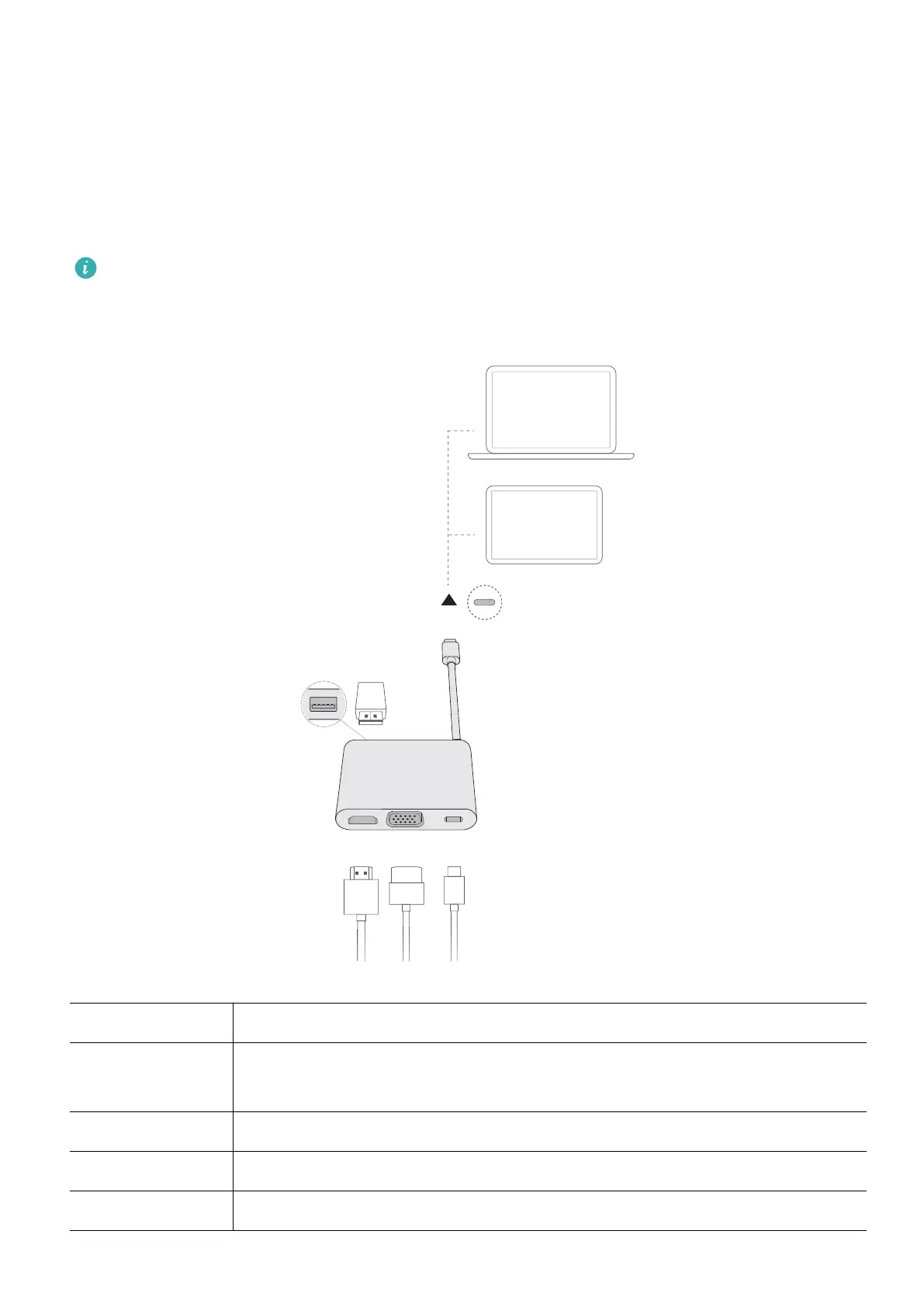
Getting to know HUAWEI MateDock 2
USB-C cable Connects to the USB-C port on the computer.
USB-A port Connects to USB devices, such as a USB mouse, keyboard, USB drive, or
network adapter.
HDMI port Connects to HDMI displays, such as a TV.
VGA port Connects to VGA displays, such as a monitor.
USB-C port Connects to USB-C devices.
15














 To Next Page