1 Touchscreen display
Touch the screen to operate the computer.
2 Fingerprint power button
After enrolling a ngerprint, simply press the power button with the enrolled nger
to power on and unlock the computer without having to enter a password.
3 Recessed camera
Press the button to reveal the camera. You can then use it in Camera or other apps
to take photos or make video chats. Press the button again to hide the camera.
4 Camera indicator
Indicates the camera's status. Lights up steady white when the camera is active.
5 Speaker x 4
The speakers output sound.
6 Microphone
Use the microphone to conduct video meetings, voice calls, or make audio
recordings.
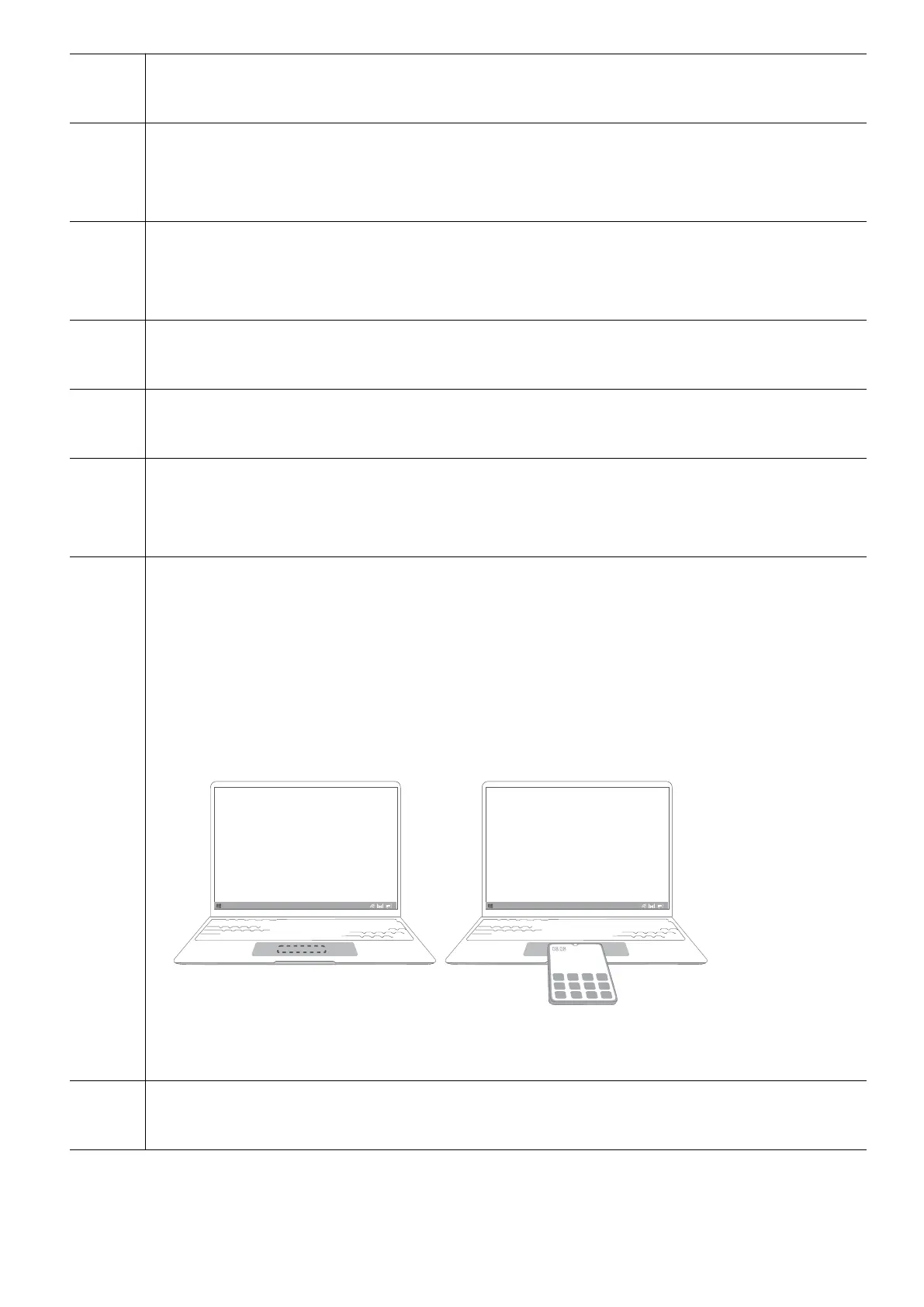
7 Touchpad
• Supports HUAWEI Free Touch which lets you control the computer more easily.
To learn more, read the Touchpad section.
• Tap the NFC detection area on some Huawei phones against the Huawei Share
sensor to use Huawei Share.
Huawei Share sensor is located approximately in the centre of the touchpad. It is
not externally visible.
To learn more, visit our ocial website:
https://consumer.huawei.com/en/support/huaweisharewelcome/
8 Headset jack
Connects to a headset.
Get to know your computer
2














 To Next Page