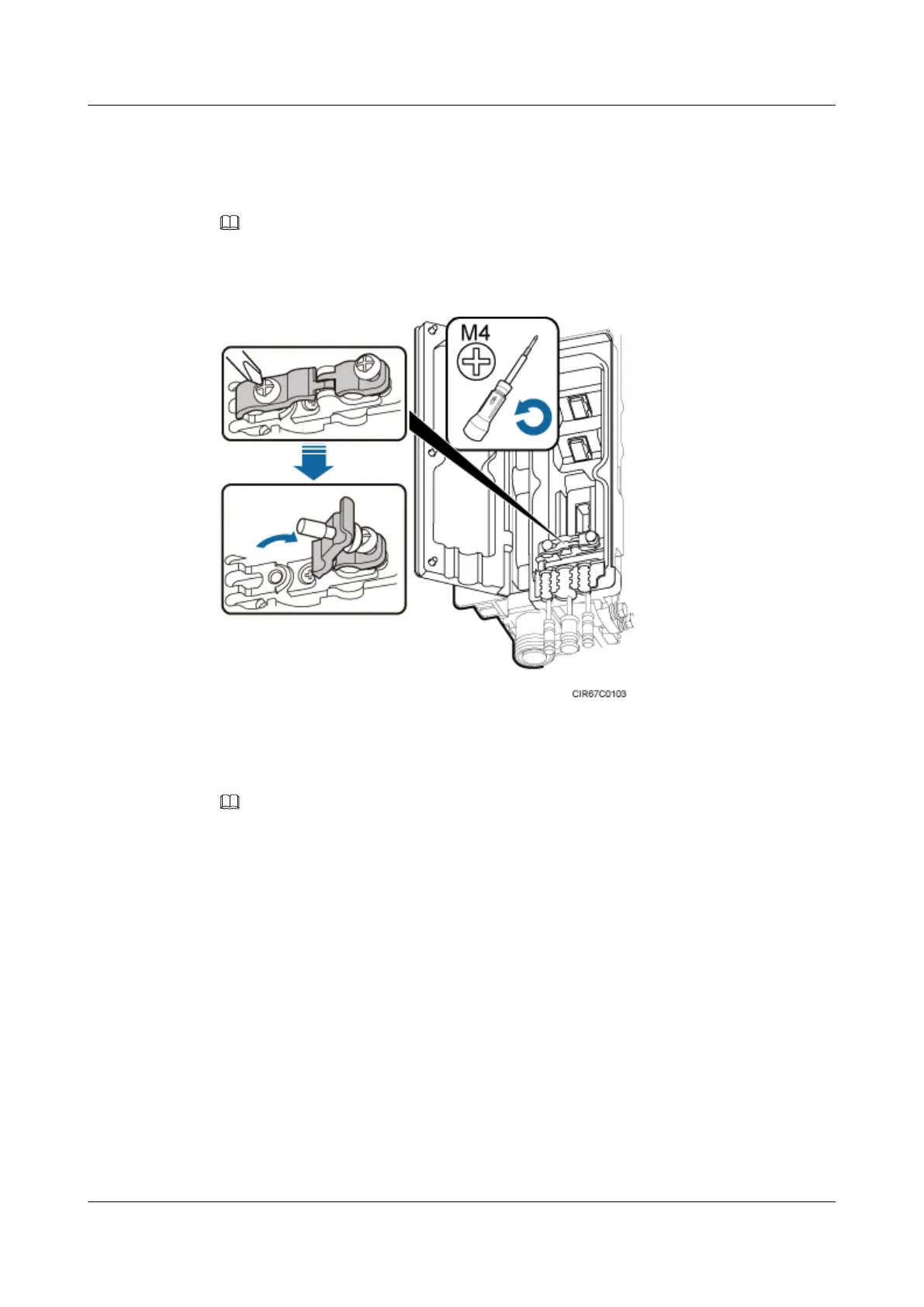
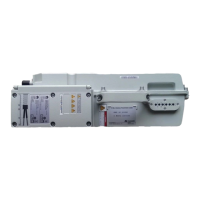
Step 3 Loosen the screws on the clip using an M4 Phillips screwdriver, and open the clip, as shown in
Figure 9-22.
NOTE
Open the clip only for the associated cable.
Figure 9-22 Opening clips
Step 4 Remove the waterproof block.
NOTE
Remove only the waterproof blocks for the cables to be installed.
----End
9.10 Installing a CPRI Optical Cable
This section describes the procedure for installing a CPRI optical cable.
Prerequisites
Before the installation, single-mode optical modules can be distinguished from multimode
optical modules in either of the following ways:
l SM and MM labels on an optical module: SM indicates a single-mode optical module, and
MM indicates a multimode optical module.
l Color of the puller on an optical module: Blue indicates a single-mode optical module, and
black or gray indicates a multimode optical module.
RRU3262
Installation Guide
9 Installing RRU Cables
Issue 01 (2014-11-20) Huawei Proprietary and Confidential
Copyright © Huawei Technologies Co., Ltd.
108


 To Next Page