11 Powering On an RRU
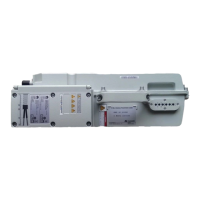
After all the devices are installed, check the power-on status of an RRU.
NOTICE
After you unpack an RRU, you must power on it within 24 hours. If you power off the RRU for
maintenance, you must restore power to the RRU within 24 hours.
Figure 11-1 shows the RRU power-on check process.
NOTE
For details about how to power on an RRU, see Powering On an RRU. For details about how to power off
an RRU, see section "Powering-Off the RRU" in RRU Maintenance Guide.
RRU3262
Installation Guide 11 Powering On an RRU
Issue 01 (2014-11-20) Huawei Proprietary and Confidential
Copyright © Huawei Technologies Co., Ltd.
116


 To Next Page