6 (Optional) Installing the Plastic Shells of the
RRU
This section describes the procedure for installing the plastic shells of the RRU.
Context
An RRU is equipped with a plastic shell only when necessary.
Procedure
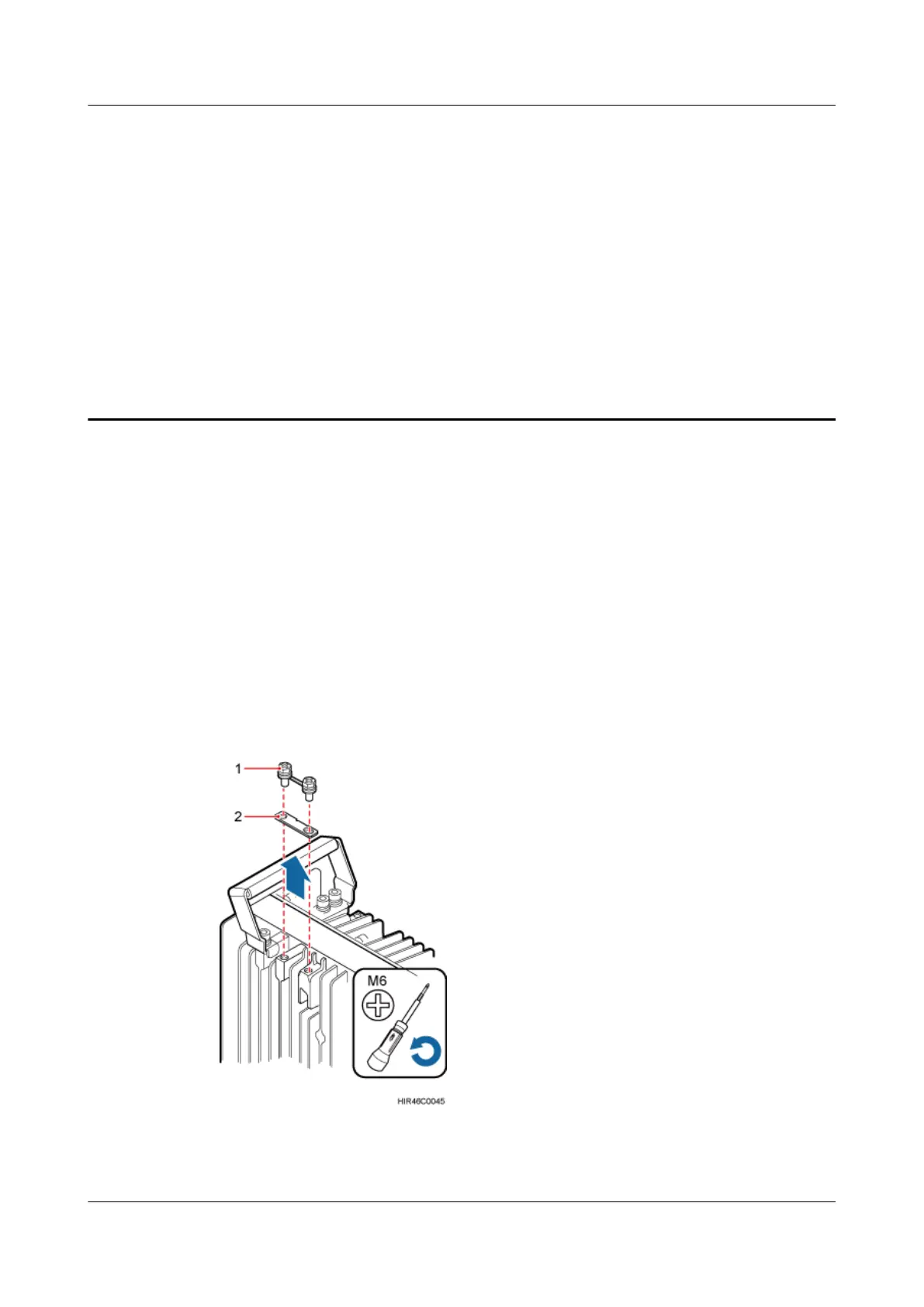
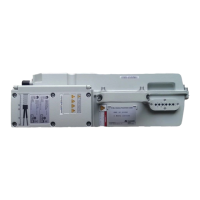
Step 1 Use an M6 Phillips screwdriver to loosen the two screws on the metal sheet of the RRU and
remove the metal sheet, as shown in Figure 6-1.
Figure 6-1 Removing the metal sheet
RRU3262
Installation Guide
6 (Optional) Installing the Plastic Shells of the RRU
Issue 01 (2014-11-20) Huawei Proprietary and Confidential
Copyright © Huawei Technologies Co., Ltd.
37


 To Next Page