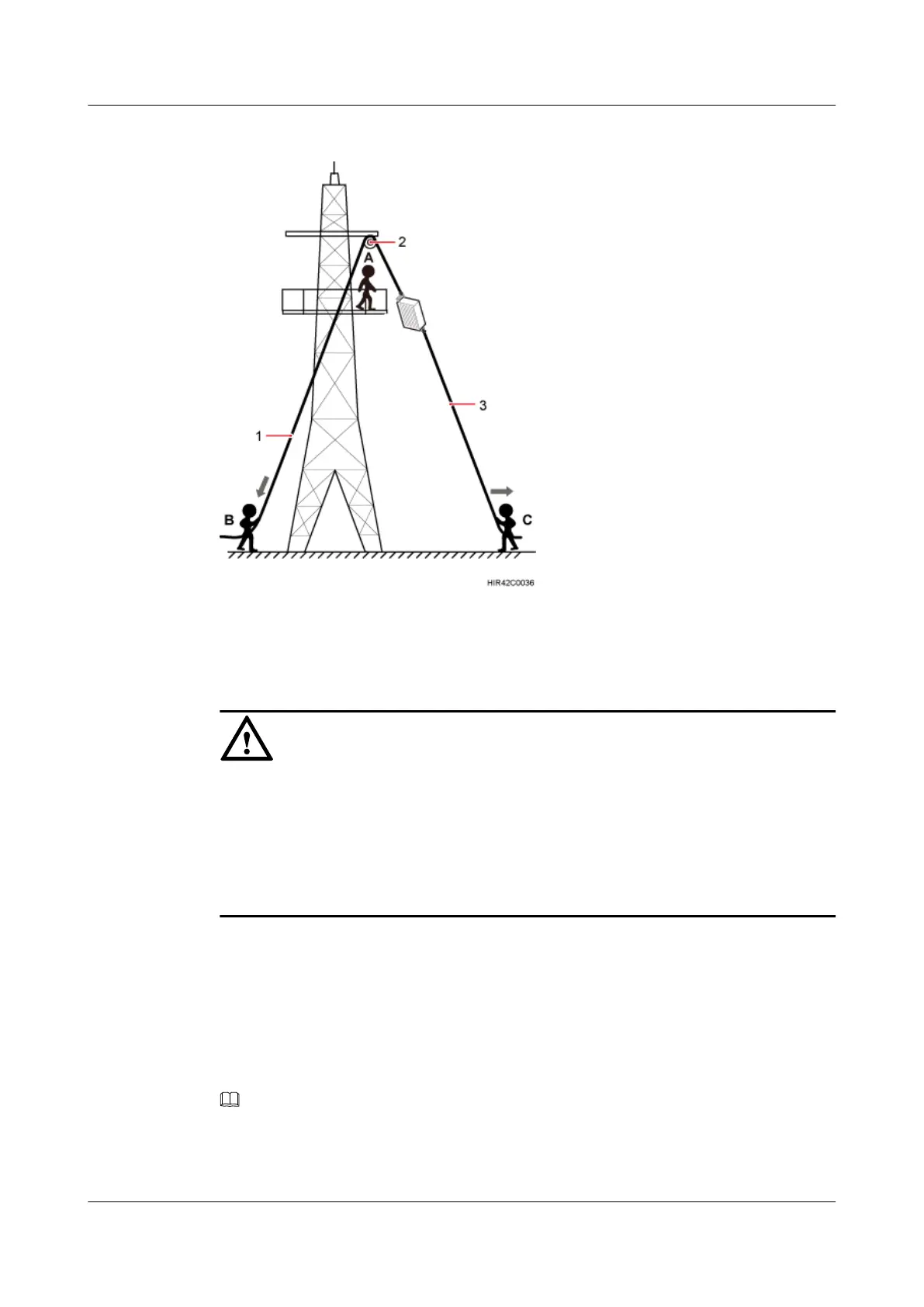
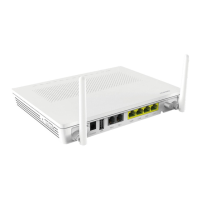
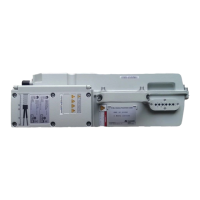
Figure 7-5 Hoisting the RRU onto the tower
(1) Lifting sling (2) Fixed pulley (3) Traction sling
NOTICE
l The load-bearing capacity of each sling must be greater than 200 kg (441 lb) and the diameter
of each sling must be less than 25 mm (0.98 in.).
l When hoisting each device onto a tower, protect them from colliding with the tower.
l Hoist the RRU onto the tower before it is installed on a pole, angle steel, or U-steel.
l Do not hoist any thing by the traction eye.
Step 7 Technician A catches the RRU hoisted onto the tower.
Step 8 Technician A installs the RRU onto the main bracket and uses an inner hexagon torque
screwdriver to tighten the captive screw into the hole of the attachment plate and main bracket
to 5 N·m (44.25 lbf·in.). For detailed operations, see steps 4 and 5 in 8.2.1 Installing a Single
RRU.
Step 9 Untie the lifting sling and traction sling.
NOTE
The procedure for hoisting the RRU and its mounting kits onto the tower is for your reference only.
----End
RRU3262
Installation Guide
7 Hoisting an RRU and Related Cables onto a Tower
Issue 01 (2014-11-20) Huawei Proprietary and Confidential
Copyright © Huawei Technologies Co., Ltd.
44


 To Next Page