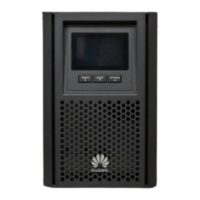
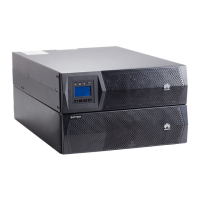
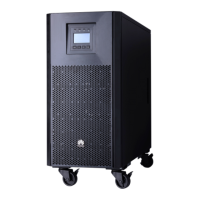
UPS2000-G1-(1 kVA–3 kVA)
User Manual
Huawei Proprietary and Confidential
Copyright © Huawei Technologies Co., Ltd.
Step 3 Press the POWER button for 1 second. The INV. indicator is on. A few seconds later, the
BYP. indicator is off, which indicates that the inverter is working.
Step 4 After the UPS runs without loads for about 10 seconds, startup the loads and other devices.
To prevent triggering overload protection, startup the loads with higher power and then the
loads with lower power.
----End
4.2.2 Starting the UPS in Battery Mode
To start the UPS in battery mode, perform the following steps:
Step 1 Switch on the battery breaker.
Step 2
Press the POWER button for 3 seconds.
If the INV. indicator is on, the UPS has started.
Step 3 After the UPS runs without loads for about 10 seconds, startup the loads and other devices.
To prevent triggering overload protection, startup the loads with higher power and then the
loads with lower power.
----End
4.3 Shutting Down the UPS
To shut down the UPS, perform the following steps:
Step 1 Shut down all loads, and keep the UPS running for 10 minutes to dissipate its heat.
Step 2 Press the POWER button for 1 second. The UPS transfers to bypass mode.
Step 3 Switch off the battery breaker.
Step 4 Disconnect the UPS from the power grid.
After all indicators are off and fans stop running, the UPS is shut down and stops supplying
power to loads.
----End






 To Next Page