5 Replacing a Fan
Fans are hot during operation. Exercise caution to avoid scalds.
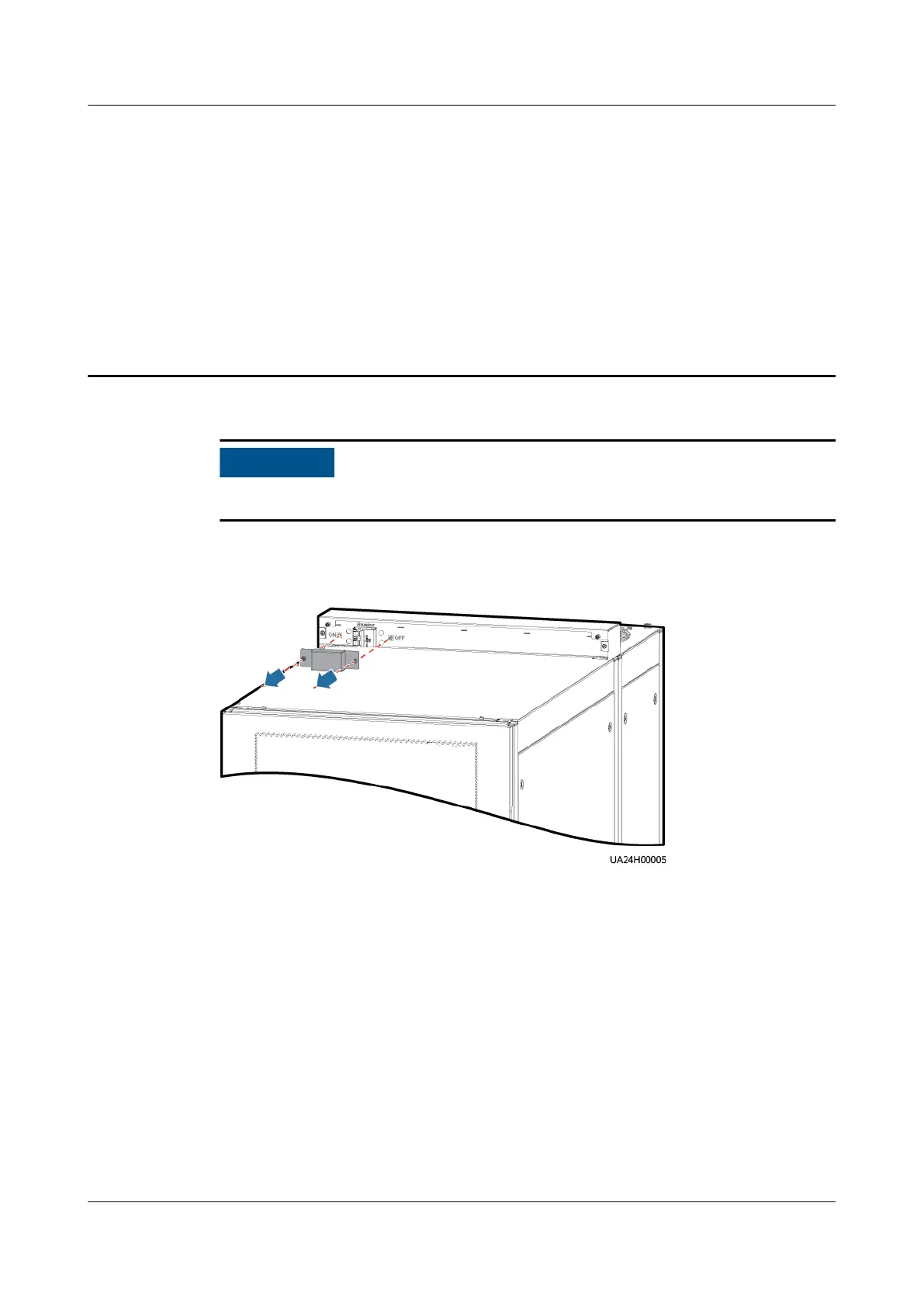
Step 1 Remove the power switch protective cover and turn o the switch.
Figure 5-1 Removing the power switch protective cover
Step 2 Remove the fan interconnection terminal cover.
Step 3 Remove the two interconnection terminals (FanXP and FanXS) from the faulty fan.
UPS5000 Top Air-ow Cabinet
User Manual 5 Replacing a Fan
Issue 02 (2022-01-19) Copyright © Huawei Technologies Co., Ltd. 40













 To Next Page