EasyManua.ls Logo

Huion 1060PLUS - User Manual

Huion 1060PLUS
16 pages
Print Icon
To Next Page IconTo Next Page
Loading...
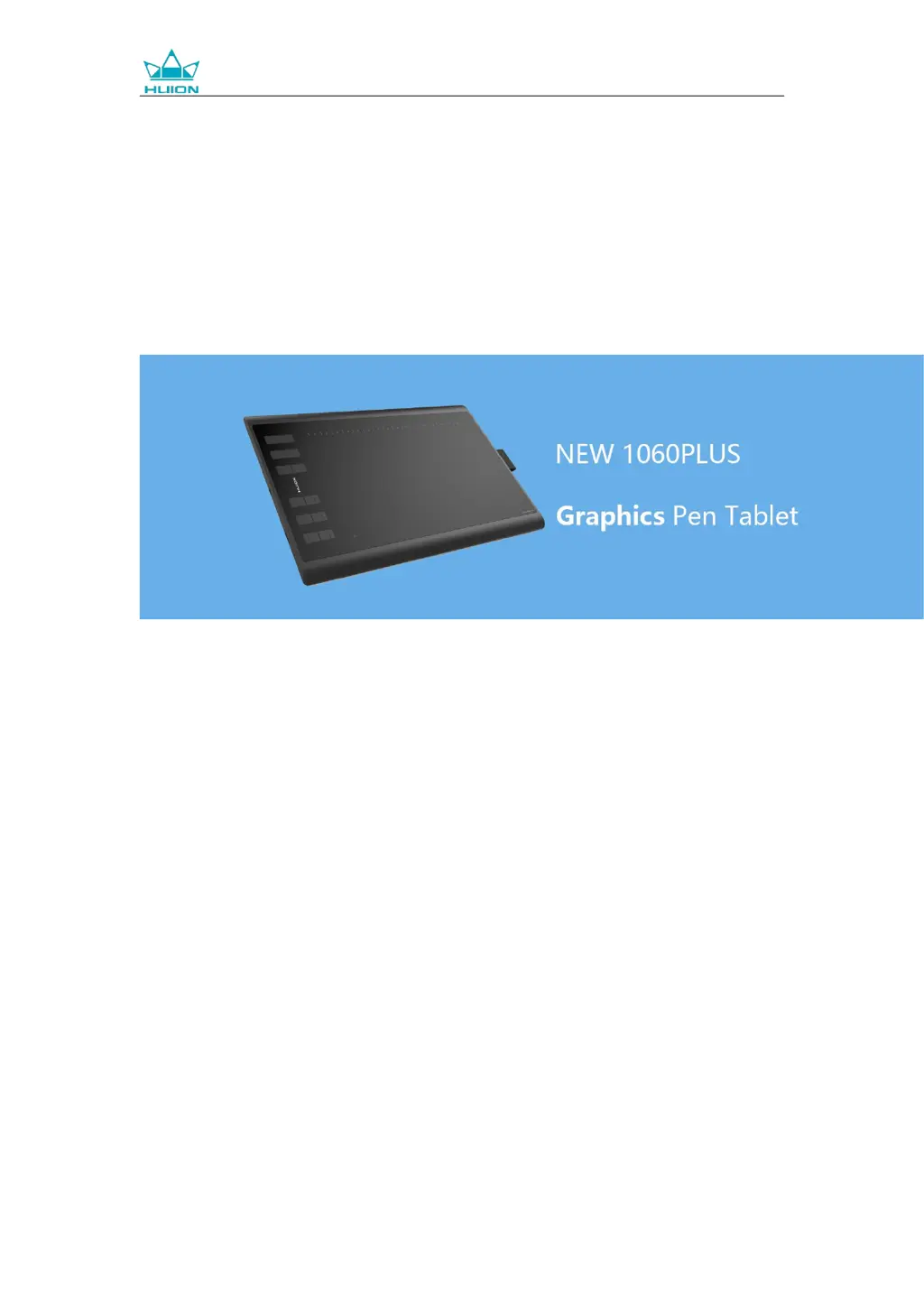
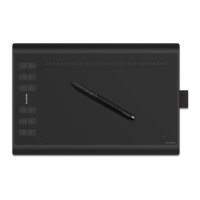
NEW 1060PLUS Graphics Tablet
User Manual
For Windows and Macintosh OS

Questions and Answers

Summary

Precautions

General Usage and Safety

Advice on reading the manual, saving power, and safe handling of the device.

Environmental and Electrical Safety

Warnings against exposure to liquids, improper placement, disassembly, and port insertion.

Digital Pen Care

Guidelines for charging the pen's battery and proper nib interaction for power saving.

Product Overview

Tablet Introduction

Introduction to the HUION NEW 1060PLUS graphics tablet and its purpose.

Product and Accessories

Details about the graphics tablet and its included accessories.

Stylus Pen Details

Describes the features and specifications of the rechargeable stylus pen.

Included Micro SD Card

Information about the 8GB Micro SD card and its uses for drivers and storage.

Additional Accessories

Lists and illustrates other accessories provided with the graphics tablet.

Setup and Installation

Tablet Connection

Instructions on connecting the graphics tablet to your computer using a USB cable.

Driver Installation Methods

Covers OS support, installation via SD card, and download from website.

Installation Notices

Important notes before installing drivers, such as uninstalling old drivers and closing software.

Pen Maintenance

Pen Nib Replacement

Step-by-step guide for replacing worn-out pen nibs using the nib clip.

Pen Charging

Instructions on how to charge the stylus pen using the provided charging cable.

Product Basic Operation

Pen Handling and Cursor Control

Guidance on holding the pen, placing it, and moving the cursor on screen.

Clicking and Moving Objects

How to click, double-click, and move items using the pen tip on the tablet.

Stylus Pen Buttons

Instructions on configuring and utilizing the customizable buttons on the pen.

Function Settings

Device Connection Status

Visual indicators for tablet connection to the computer.

Working Area Setup

Mapping the tablet's active area to monitor displays, including multi-monitor configurations.

Working Area Customization

Defining Tablet Mapping

Setting the tablet area to screen mapping using full or custom areas.

Rotating the Working Area

Adjusting the tablet orientation for left or right-handed use.

Key and Button Configuration

Press Key Settings

How to configure the functions of the tablet's press keys.

Stylus Pen Button Settings

How to customize the functions of the buttons on the stylus pen.

Pen Sensitivity and Testing

Pressure Sensitivity Adjustment

Adjusting the pen's pressure sensitivity level using a slider.

Pen Pressure Testing

Method for testing pen pressure response by drawing on the screen.

Advanced Settings and Data Management

Windows Ink Feature

Enabling Windows Ink for enhanced pen input support in applications.

Configuration Data Import;Export

Saving and loading custom driver configurations for backup or transfer.

Product Specifications

Graphics Tablet Specifications

Detailed technical specifications for the HUION NEW 1060PLUS graphics tablet.

Digital Pen Specifications

Detailed technical specifications for the stylus pen.

Troubleshooting and Support

Tablet Breakdowns

Common issues with the tablet and their solutions, such as no pressure or pen not working.

System Breakdowns

Solutions for system-related problems like the computer not recognizing the tablet.

After-service Contact

Information on how to contact HUION customer support for assistance.

Huion 1060PLUS Specifications

General IconGeneral
BrandHuion
Model1060PLUS
CategoryGraphics Tablet
LanguageEnglish

Related product manuals